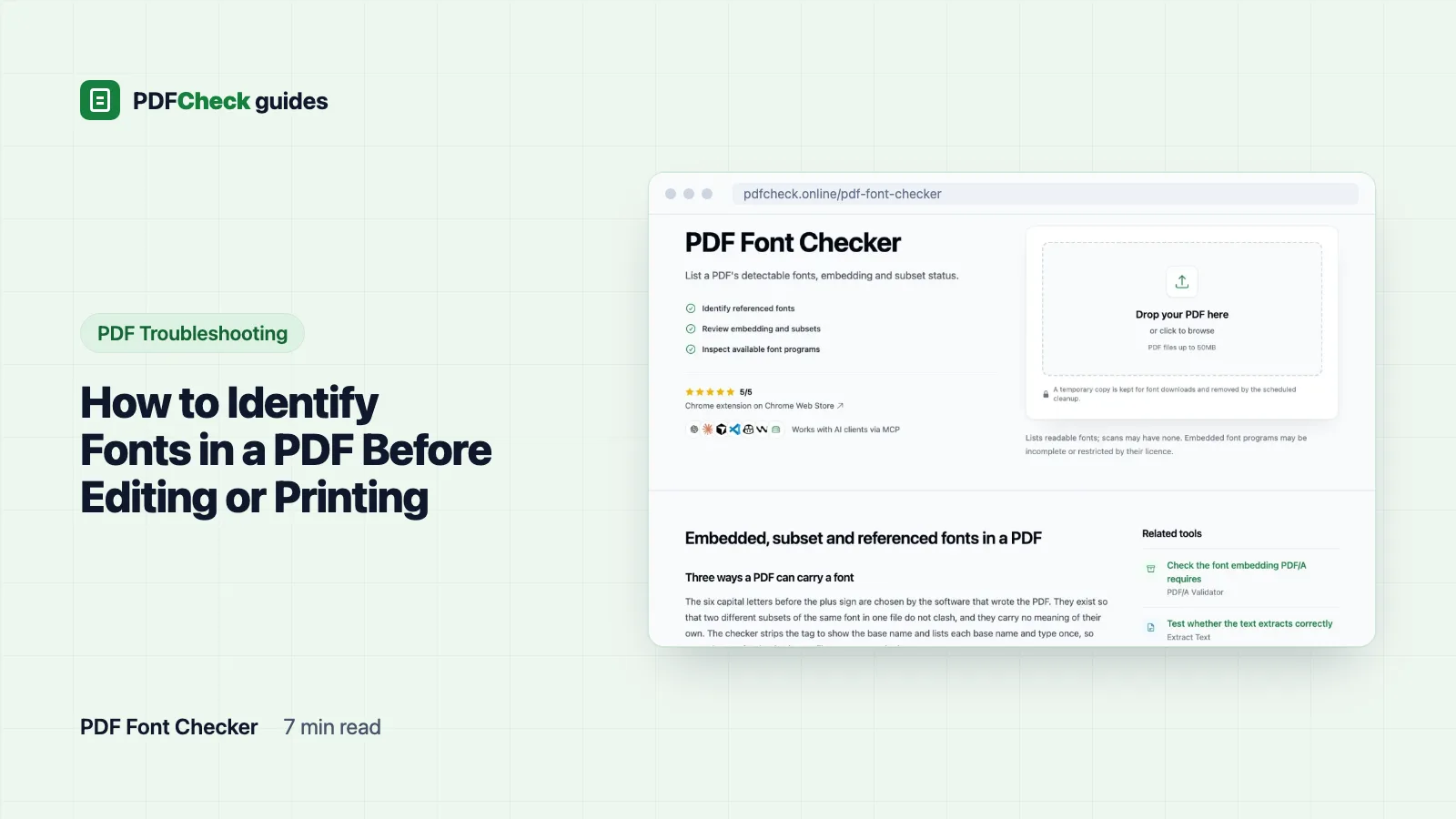
The quickest way to identify the fonts in a PDF is to read the list the file already carries. In Adobe Acrobat or Acrobat Reader, open File, then Properties, then the Fonts tab. On the command line, run pdffonts. Or upload the file to the PDFCheck font checker, which also tells you whether each font is embedded, a subset, or only referenced by name.
If the pages are scans, there is no list to read. More on that near the end.
Three ways to see the list
- Acrobat or Acrobat Reader. File > Properties > Fonts shows each font with its type, and marks embedded subsets.
pdffontsfrom the free Poppler toolkit prints one row per font. Itsembcolumn says whether the font is embedded,subwhether it is a subset, anduniwhether there is an explicit ToUnicode map. The manual explains each column.- PDFCheck. The font checker shows totals for fonts found, embedded, not embedded and subset, then a table you can filter. It strips the subset tag and lists each base name and type once, so two subsets of Helvetica in one file appear as one row.
What the names mean
Names inside a PDF are internal names, so they rarely match the font menu in Word or InDesign exactly. The most common patterns:
| Name in the PDF | What it tells you |
|---|---|
COMMLB+Helvetica | Helvetica, embedded as a subset. The six capital letters and the plus sign mark a subset. |
Arial-BoldMT | Arial Bold. Endings such as MT or PS are part of the internal name and do not change the family. |
TimesNewRomanPSMT | Times New Roman, regular weight. |
Helvetica, not embedded | One of the standard 14 fonts that PDF viewers have traditionally supplied themselves, so it is often left out of the file. |
The six letters before the plus sign are chosen by the software that wrote the PDF. They exist so that two different subsets of the same font in one file do not clash. They carry no meaning of their own, so do not try to decode them.
Embedded, subset or referenced
| State | How it looks in the list | Effect |
|---|---|---|
| Embedded, full | Plain name, Embedded | The whole font program travels with the file. Pages render the same everywhere and text can be edited with any character the font has. |
| Embedded subset | Name with a six-letter tag, Embedded and Subset | Only the glyphs used in the document are included. Pages render faithfully, but editing may need characters that were left out. |
| Referenced only | Plain name, Not Embedded | The file names the font and expects the viewer or printer to supply it. If it is missing, a substitute with different widths is used. |
One page, exported two ways
To see the difference in practice, I converted a one-page PostScript file that uses Helvetica, Times-Roman and Courier with Ghostscript 10.08.0 twice, once with the default settings and once with the -dPDFSETTINGS=/prepress preset described in the Ghostscript documentation. I also built a third file by hand that references Arial as a TrueType font without embedding it.
- Default settings, 3,649 bytes. pdffonts: Courier, Helvetica, Times-Roman, Type 1, Standard encoding, emb no, sub no. Checker: 3 fonts, 0 embedded, 3 not embedded.
- Prepress preset, 8,260 bytes. pdffonts: MQLPNL+Courier, COMMLB+Helvetica, DTWGTH+Times-Roman, Type 1C, WinAnsi, emb yes, sub yes. Checker: 3 fonts, 3 embedded, 3 subsetted, all embedded.
- Hand-built file. pdffonts: Arial, TrueType, WinAnsi, emb no, sub no. Checker: 1 font, 0 embedded, suggested free alternative Arimo.
Same page, same three typefaces, and the embedded version is a little over twice the size. That is the price of carrying three subset fonts, and for anything going to print it is a price worth paying.
Why "not embedded" matters before printing
Helvetica, Times and Courier belong to the standard 14, so a file that only references them still opens; the viewer uses its own similar fonts. That is fine for reading. Line breaks and spacing can still shift slightly, and the printed piece will not match the proof.
Arial, Calibri and other fonts outside that set are a bigger risk. On a machine without them the viewer picks a substitute, and narrow columns, tables and form layouts can overflow. Print preflight checks flag referenced fonts for exactly this reason. The fix is to export again from the source with embedding turned on. In Microsoft Office, ticking ISO 19005-1 compliant (PDF/A) in the PDF options forces embedding, because PDF/A requires it; Microsoft's guide also describes a bitmap-text option for fonts whose license blocks embedding. If the file is headed for an archive, the PDF/A checker reports the same embedding check alongside the other PDF/A indicators.
Font types and encodings you may see
- Type1: a PostScript font. pdffonts shows
Type 1Cwhen the embedded program is in the compact CFF format; the checker reports the dictionary type, Type1, for both. - TrueType: the common desktop format used by most office applications on Windows and macOS.
- Type0: a composite font for large character sets, used for Chinese, Japanese and Korean text and for Unicode exports. Its embedding is checked through its descendant font, which the list does not show separately. Its encoding is often
Identity-H, meaning text is stored as glyph numbers. - Type3: glyphs drawn with PDF graphics commands, often by older TeX workflows and some converters. They always count as embedded because the drawings live in the file.
- MMType1: a multiple master font, now rare.
In the encoding column, WinAnsi is the Windows character set for Western languages and Standard is the older PostScript set. Neither tells you anything about embedding.
When the list is empty
An empty list usually means the pages are scanned images with no text objects, or that the font objects could not be read. Text that a designer converted to outlines before export also leaves no font behind; it looks like type but is drawn as shapes. In those cases the only option is to compare the letterforms against known fonts by eye or with an image-based matching service, and the answer is a best guess, not a record.
Downloading the embedded font programs
The Download Embedded Fonts button packs every embedded font program into a ZIP: TrueType as .ttf, CFF as .cff or .otf, Type 1 as .pfb or .t1. Subset tags are removed from the file names. A subset holds only the glyphs used in the document, so it is useful for identifying a typeface, not as an installable replacement. Type3 fonts have no program to extract. A temporary copy of the PDF is kept so the download works, and copies older than four hours are removed by cleanup.
Fonts are licensed software. Finding one inside a PDF does not give you the right to install or reuse it. For that reason the checker offers a link for each font: the Google Fonts page when the font is published there, or a metric-compatible free alternative for common commercial fonts. Metric-compatible fonts keep the same character widths, so swapping one into an editable source preserves the line breaks.
| Font in the PDF | Suggested alternative |
|---|---|
| Arial | Arimo |
| Times | Tinos |
| Calibri | Carlito |
| Cambria | Caladea |
| Helvetica | Inter |
| Myriad | Source Sans 3 |
| Futura | Jost |
What a font list cannot tell you
It does not test whether a subset contains every character you plan to type; you find that out when the editor substitutes a glyph. It does not prove who made the file or which program created it. And it says nothing about accessibility, which depends on tags and Unicode mapping rather than on which fonts are present. Read it for what it is: the file's own record of the typefaces it needs, and whether it brought them along.