PDFCheck Blog
I build PDFCheck, so these guides come from the same place as the tools: the code, the sample files I test with and the mistakes I made along the way. Each one answers a single question, shows what a PDF can and cannot tell you, and points to the tool that does the job. Pick the group that matches what you are trying to do.
Check and verify PDFs
Before you trust a file: what its metadata, signatures, fonts, accessibility tags and PDF/A markers really say, and where those signals stop being evidence.
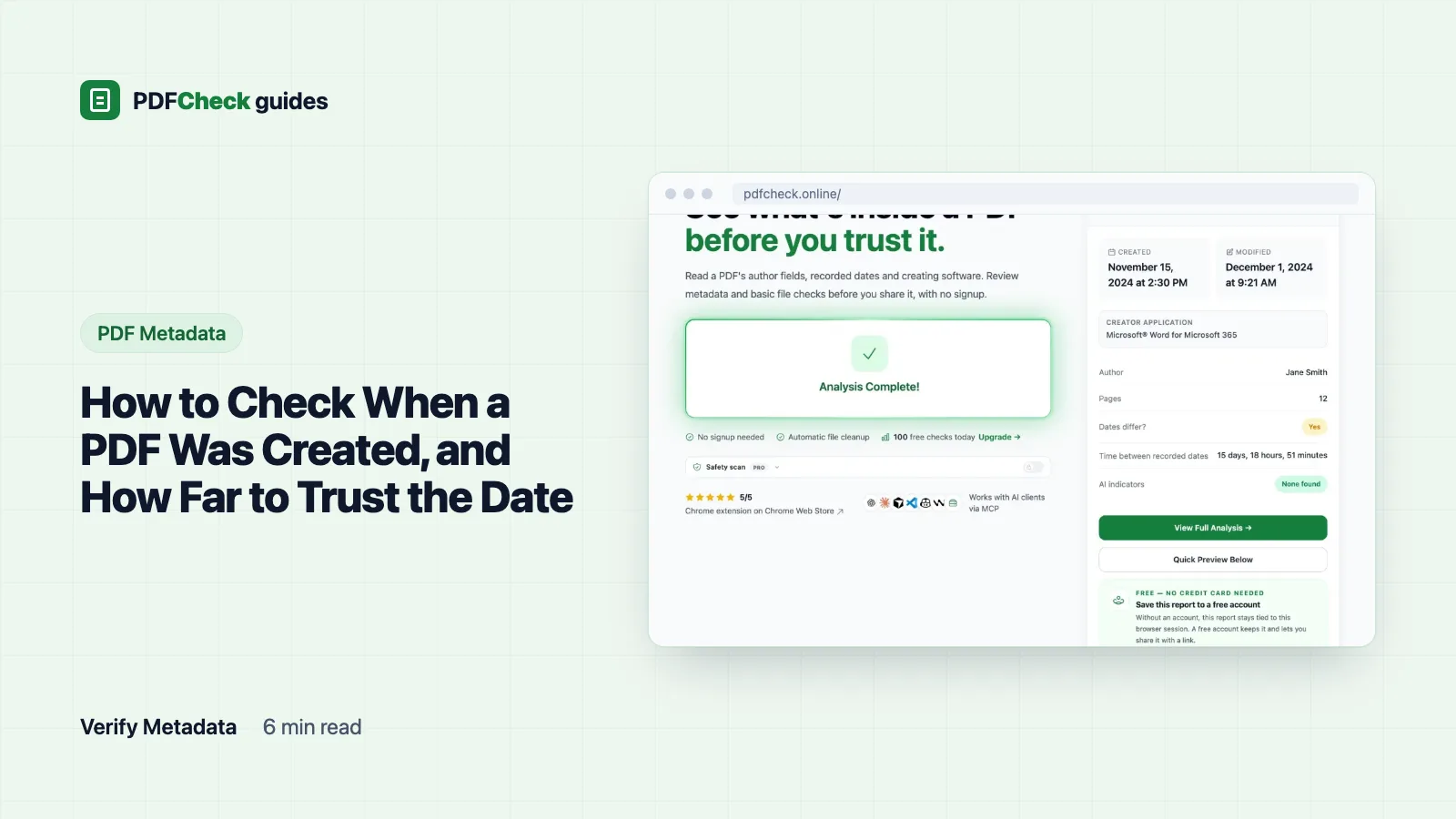
How to Check When a PDF Was Created, and How Far to Trust the Date
Find a PDF's creation date, decode the raw D: string, see what a real report makes of two dates, and learn which ordinary events make the date misleading.
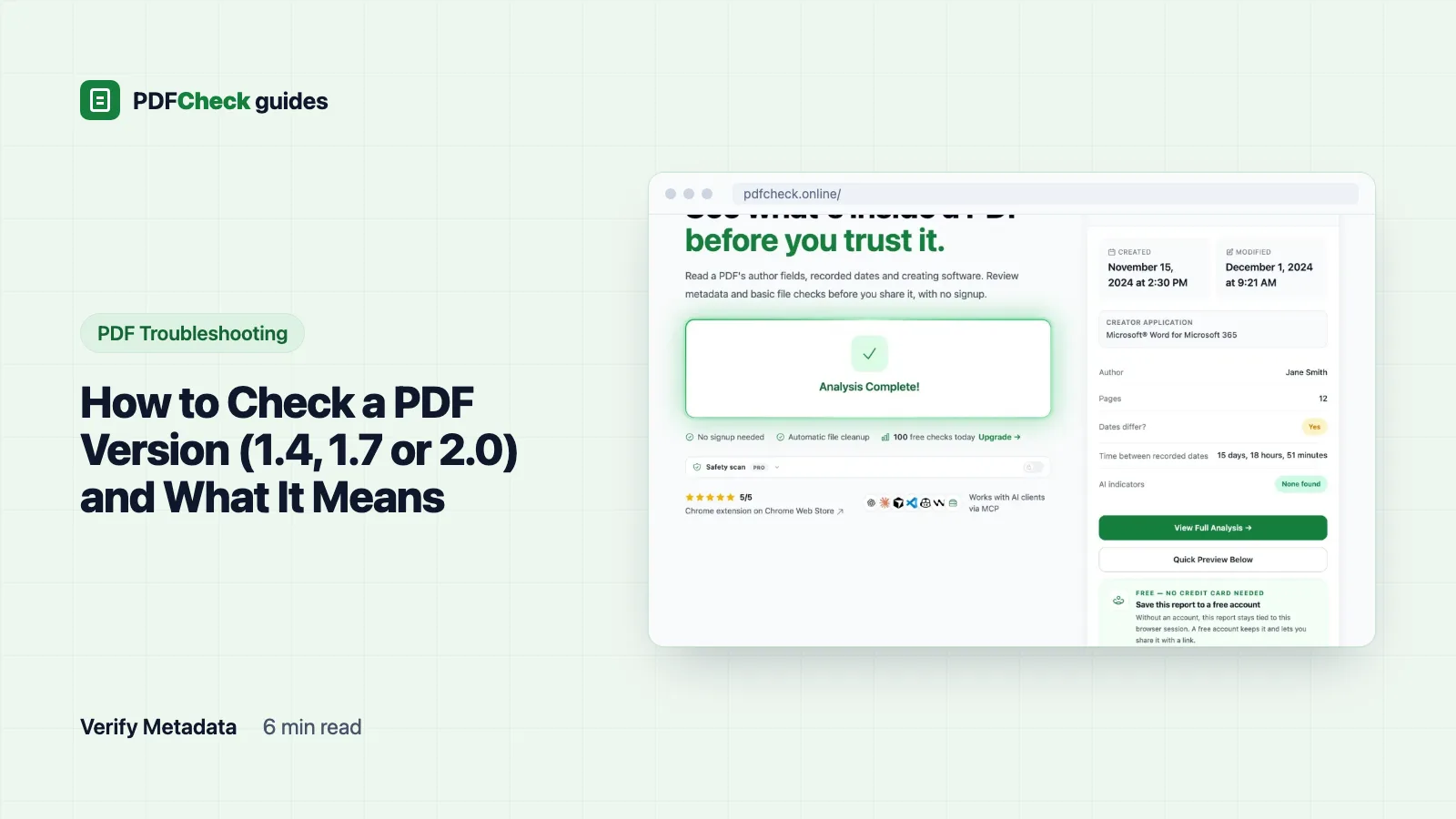
How to Check a PDF Version (1.4, 1.7 or 2.0) and What It Means
Read a PDF's version in a report, a viewer or the terminal, learn why two tools can disagree, and fix a version a portal refuses without faking the header.
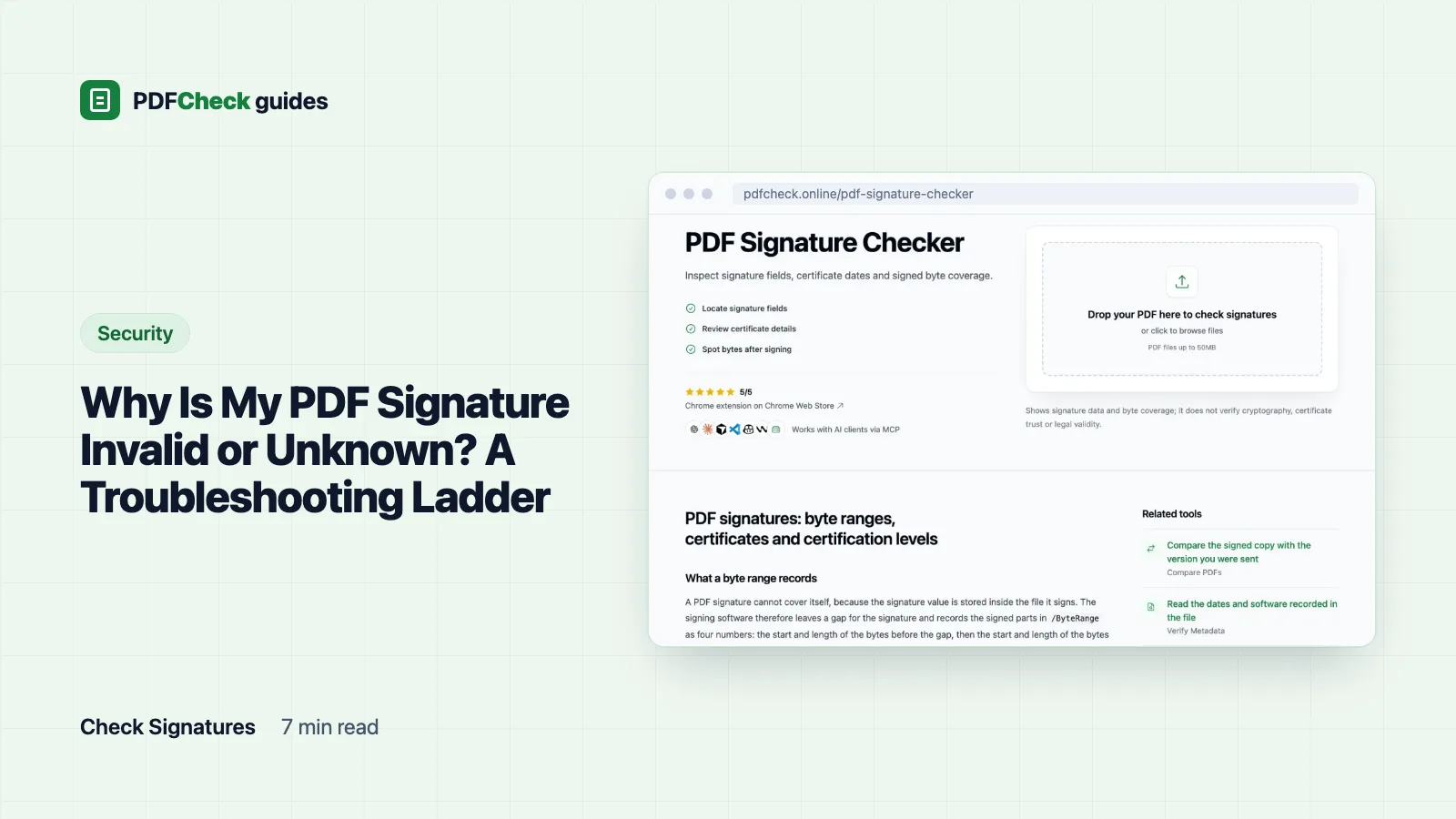
Why Is My PDF Signature Invalid or Unknown? A Troubleshooting Ladder
Invalid usually means the signed bytes changed. Unknown usually means your reader can't trust the certificate. Work down five rungs, with a measured byte-range example, to find which one you have and what to do about it.
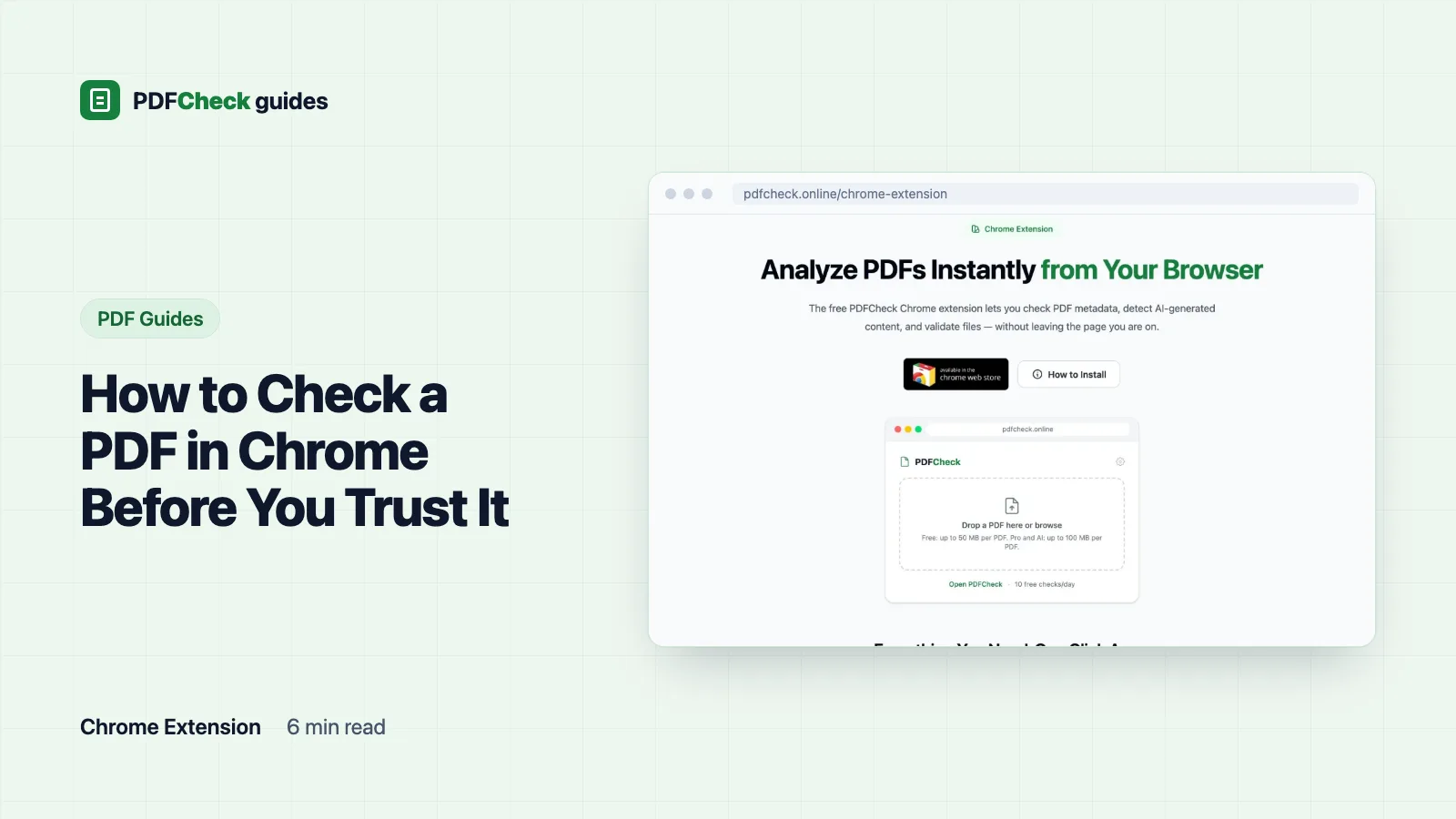
How to Check a PDF in Chrome Before You Trust It
Read a PDF in Chrome's viewer, open its Document properties, understand what Safe Browsing does and does not cover, and know when to run a deeper check.
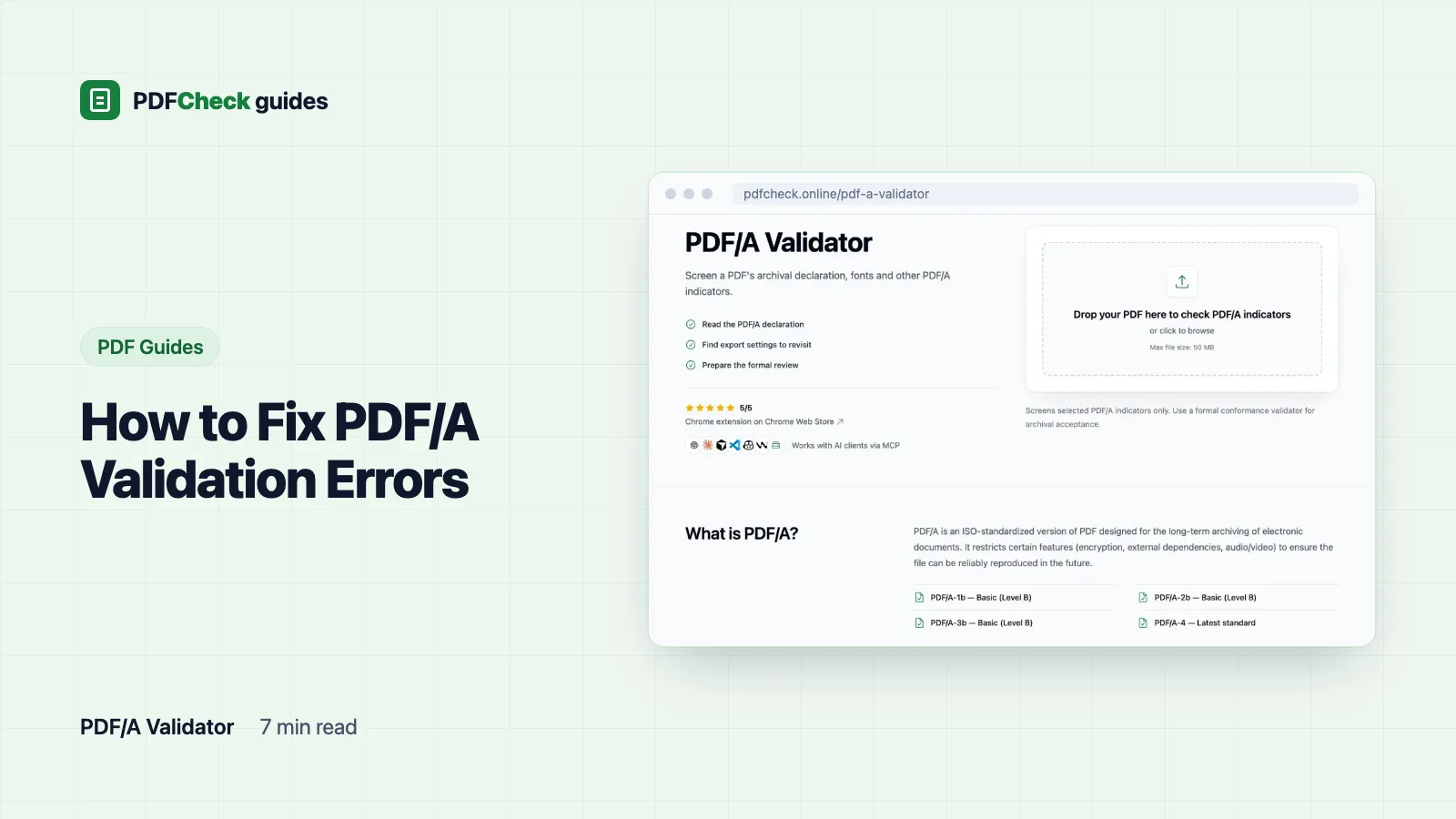
How to Fix PDF/A Validation Errors
Match each PDF/A error to its cause, fix it in the source document, re-export with the PDF/A option, and validate the new file. Includes three test files I ran through our checker.
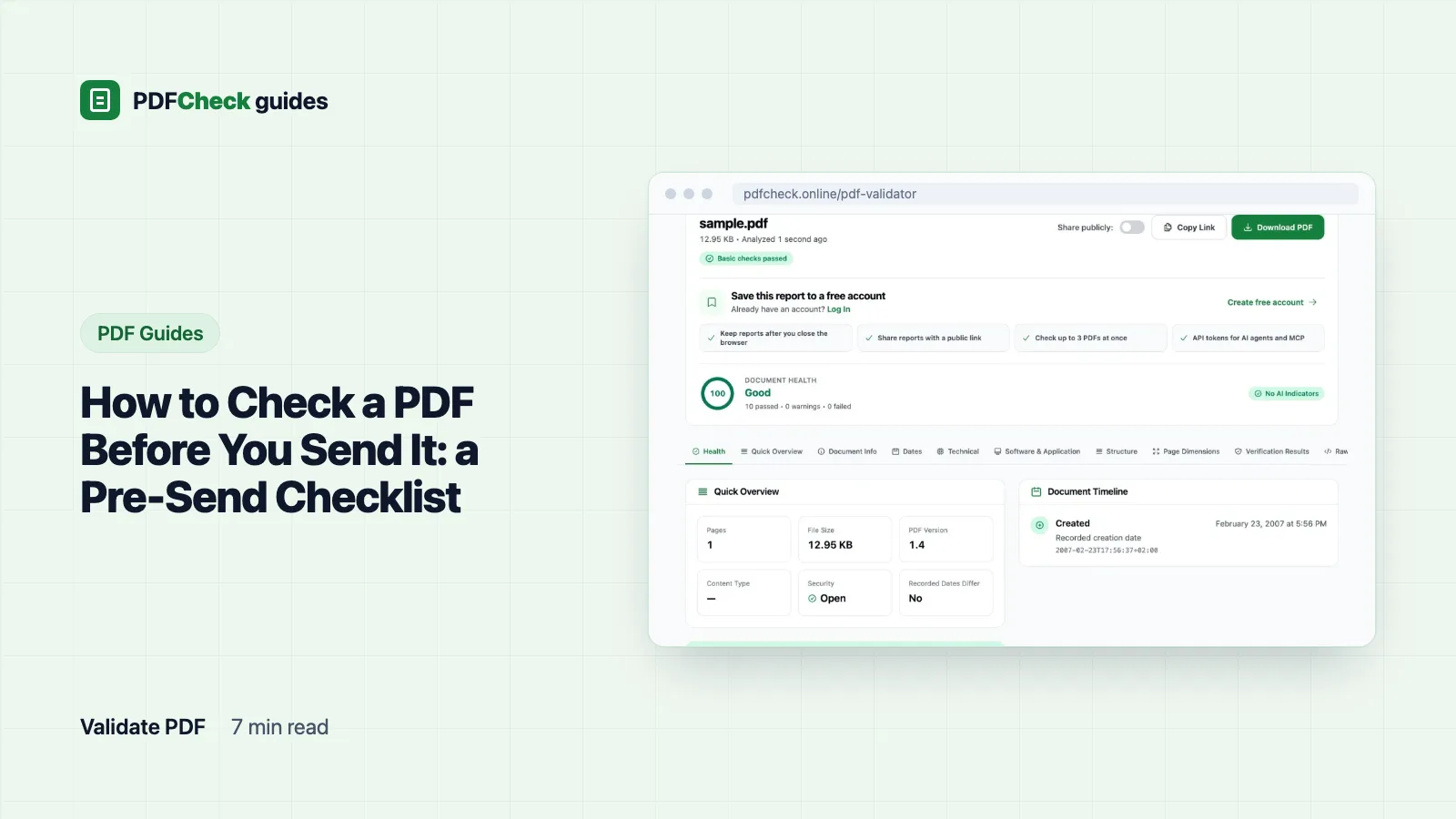
How to Check a PDF Before You Send It: a Pre-Send Checklist
Eight checks on the exact file you are about to send: recipient rules, every page, searchable text, structure, fonts, hidden metadata, signatures and size, with what each tool can and cannot tell you.
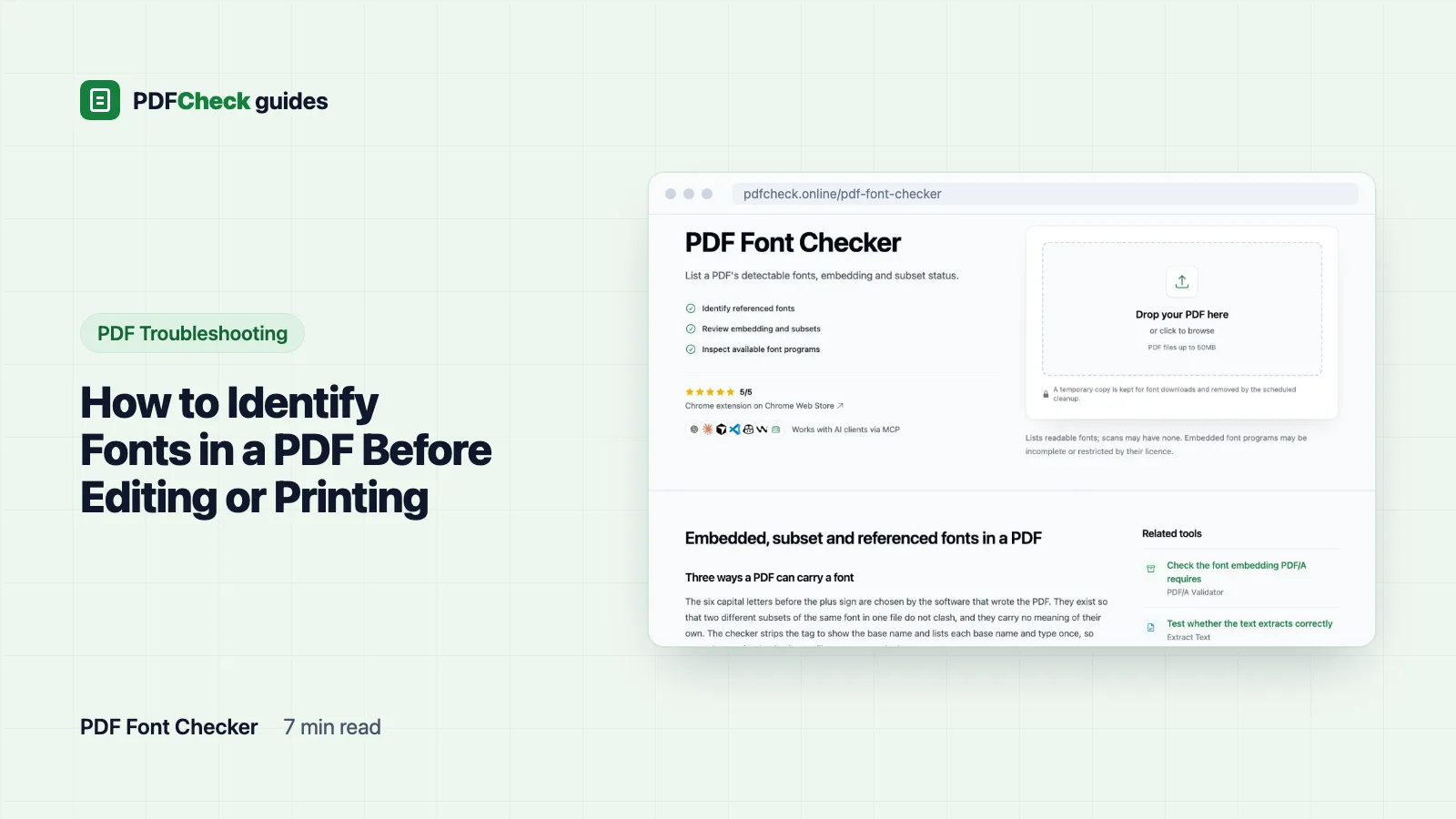
How to Identify Fonts in a PDF Before Editing or Printing
Read the font list stored in a PDF, decode names such as COMMLB+Helvetica, tell embedded, subset and referenced fonts apart, and see what one page looks like exported two ways.
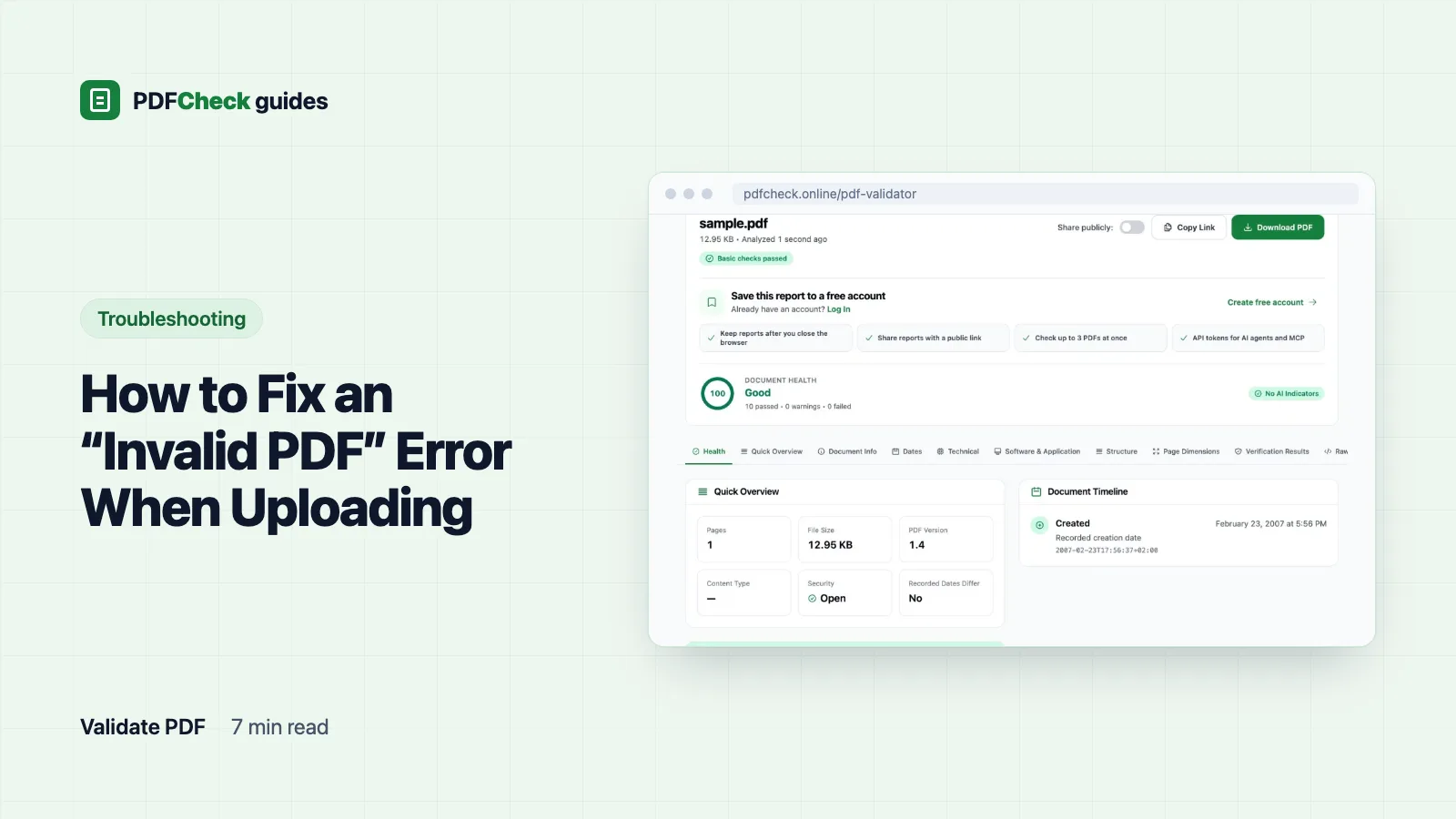
How to Fix an “Invalid PDF” Error When Uploading
A troubleshooting ladder for files a portal rejects: not really a PDF, cut off, password-protected, too big, or breaking an unpublished rule. With the exact messages our checker gives for each.
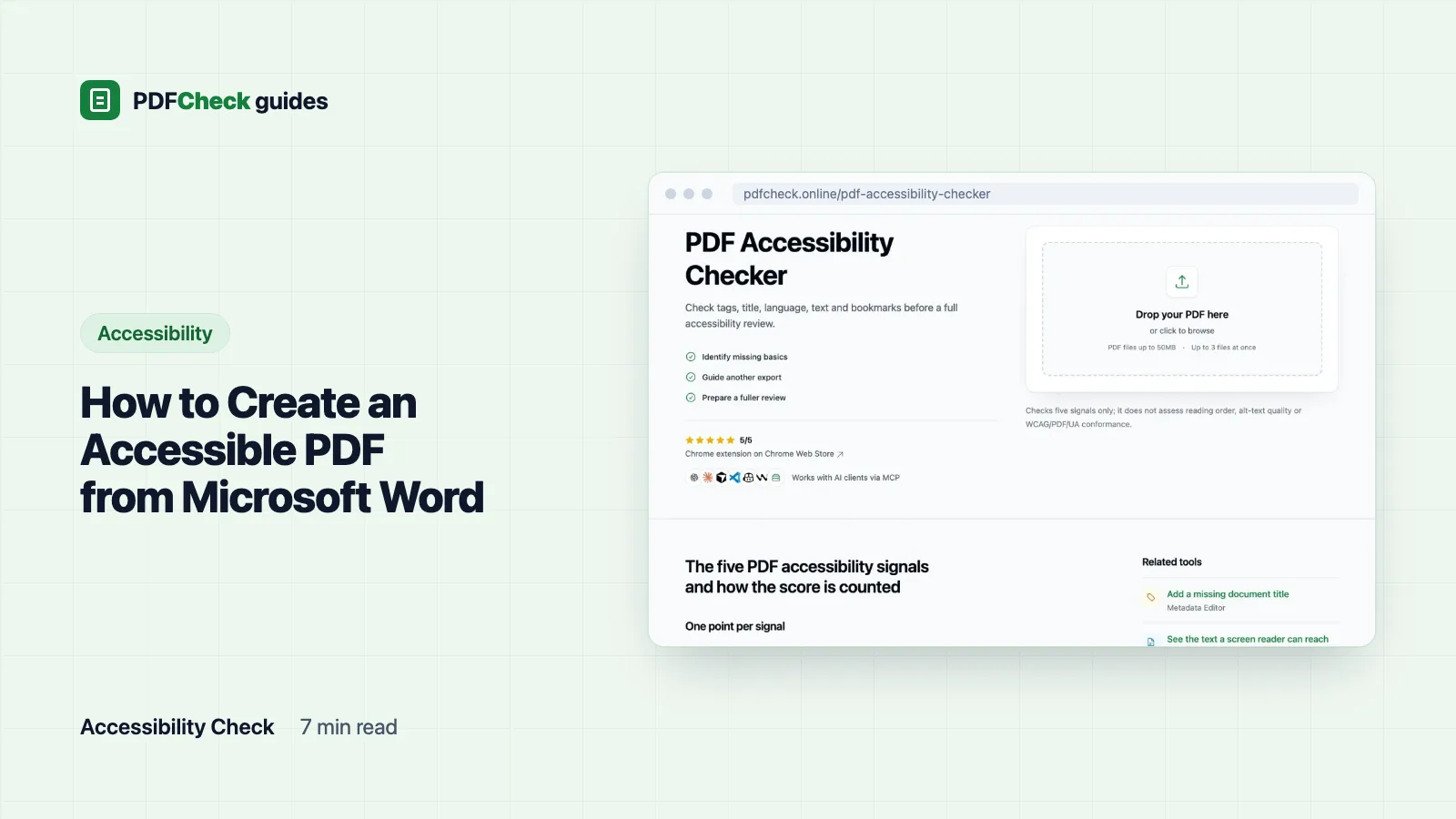
How to Create an Accessible PDF from Microsoft Word
Build the structure in Word, export with tags switched on, then check the file. Includes the five signals our checker reads, how three test files scored, and what no checker can see.
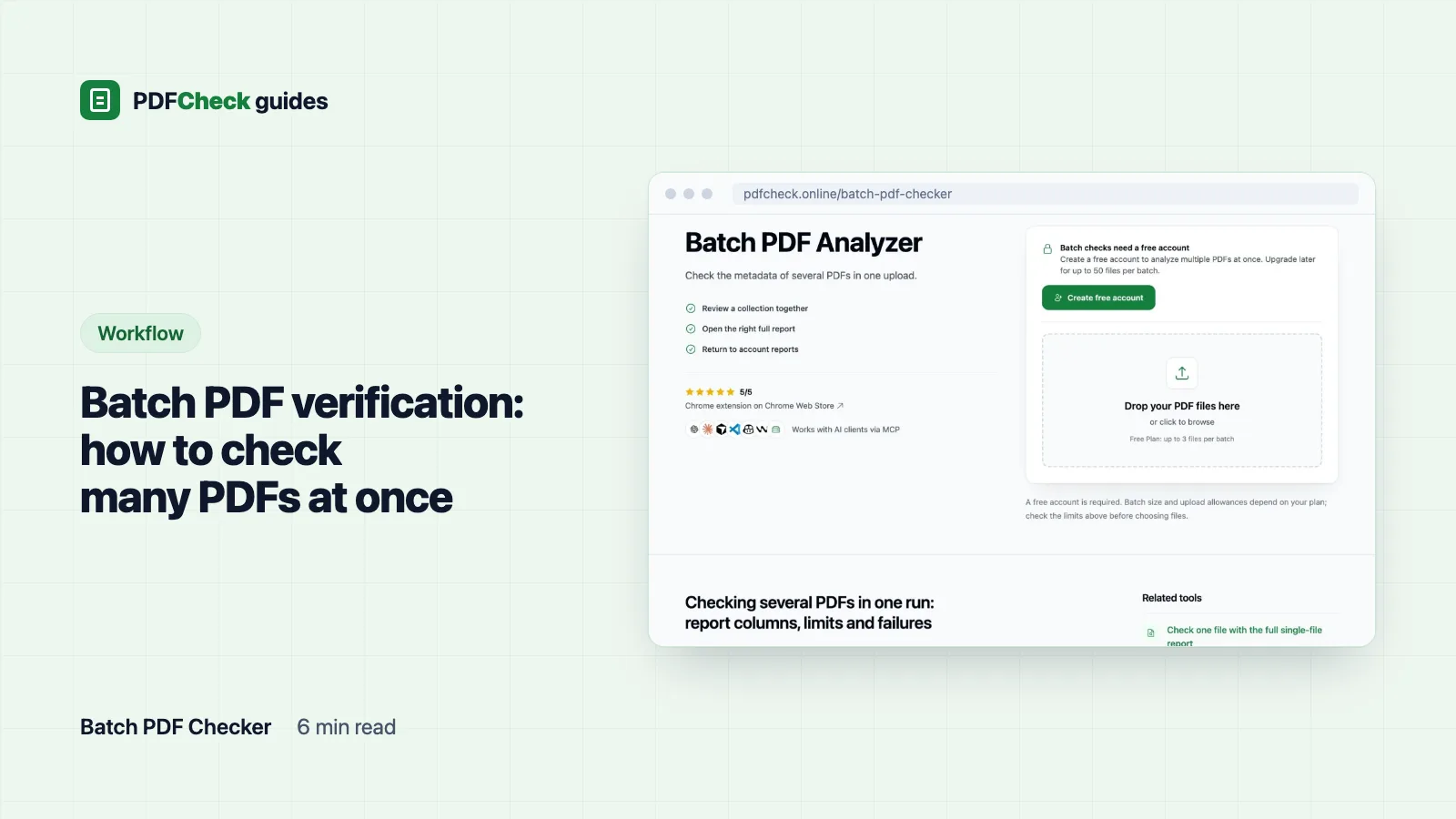
Batch PDF verification: how to check many PDFs at once
Upload a set of PDFs, read the columns the batch checker gives you, and learn which differences are worth opening the full report for and which questions a metadata batch cannot answer.
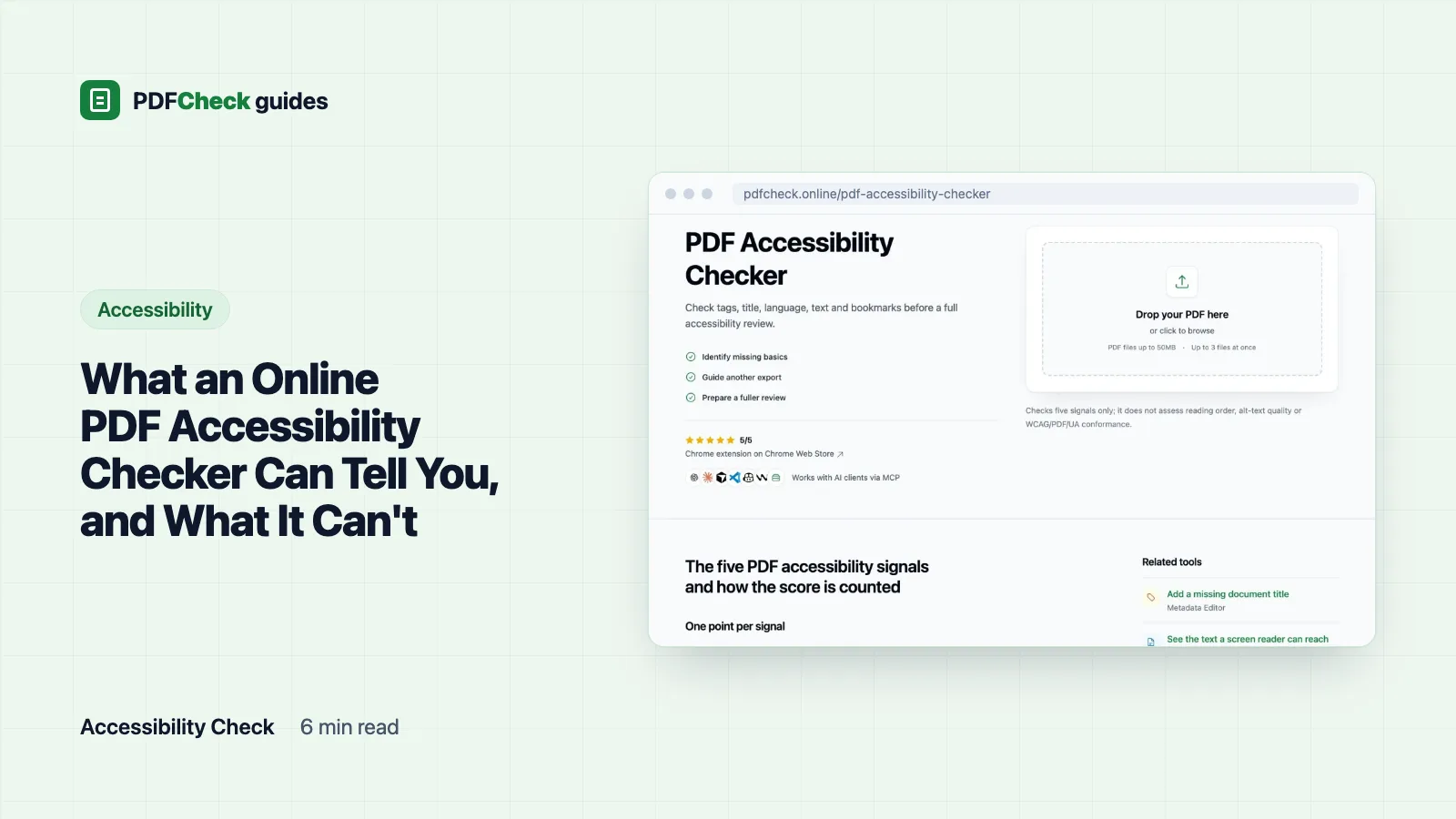
What an Online PDF Accessibility Checker Can Tell You, and What It Can't
A five-signal check finds missing tags, title, language, text and bookmarks in seconds. Here is how each signal is counted, three files I measured, and why a 5/5 score is not WCAG or PDF/UA.
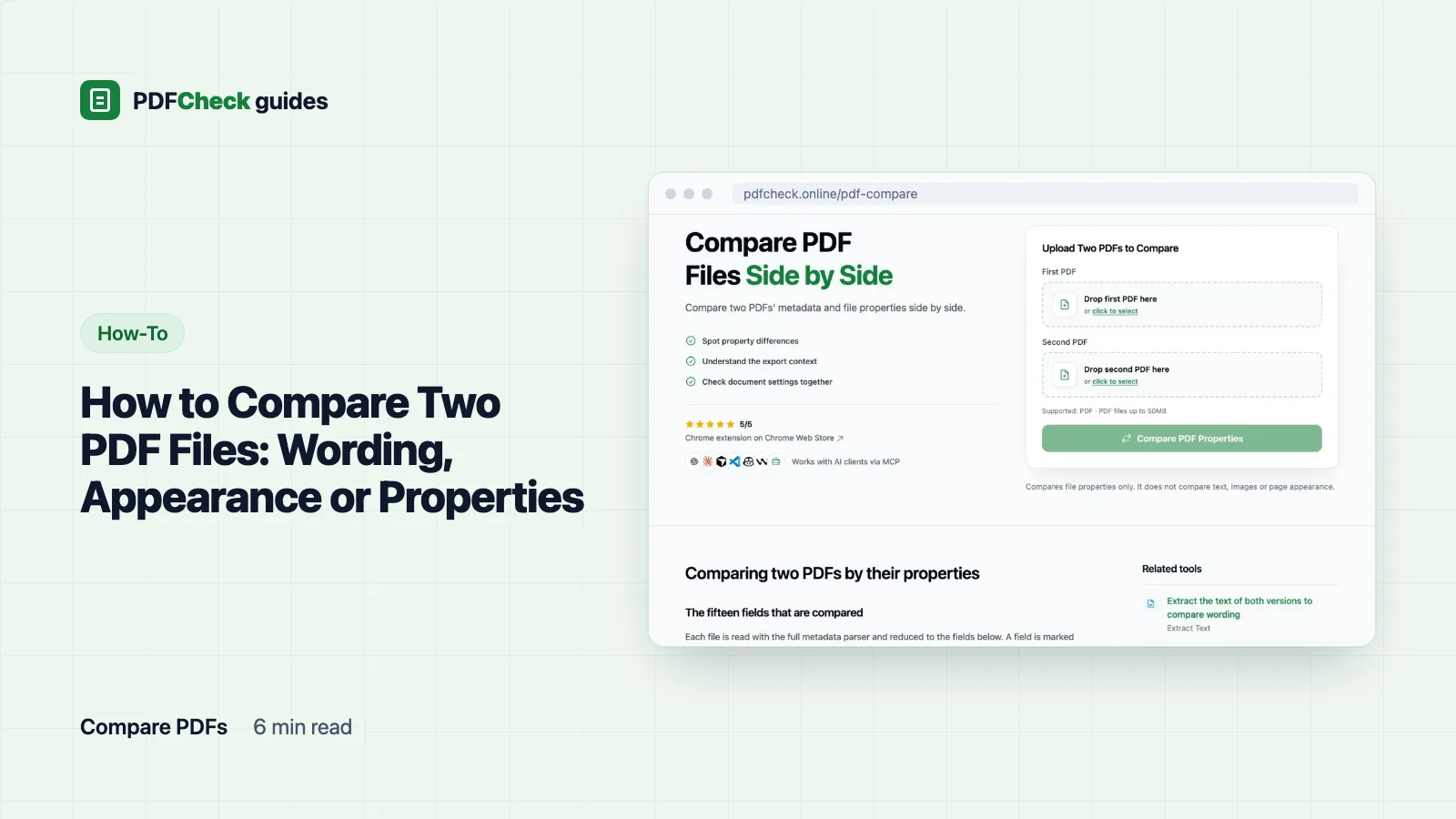
How to Compare Two PDF Files: Wording, Appearance or Properties
Pick the comparison that answers your question, see what a property comparison of an original and a converted copy really shows, and learn when a match is not identity.
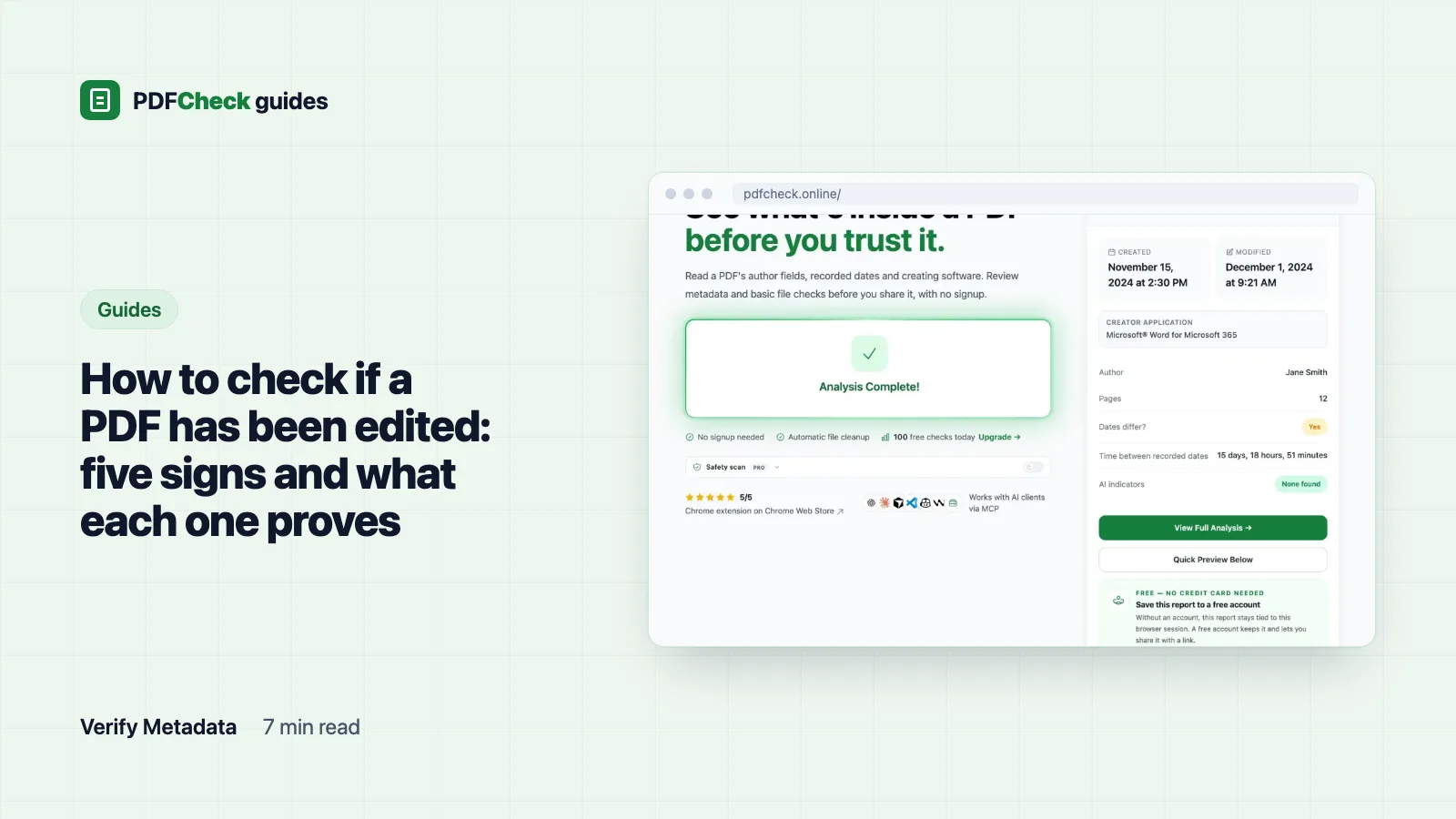
How to check if a PDF has been edited: five signs and what each one proves
A PDF keeps no log of its edits, so you read the signs: dates, the software that last wrote the file, the hash, the signed byte range, and a copy from the source. Measured examples show what each sign looks like and where it stops.
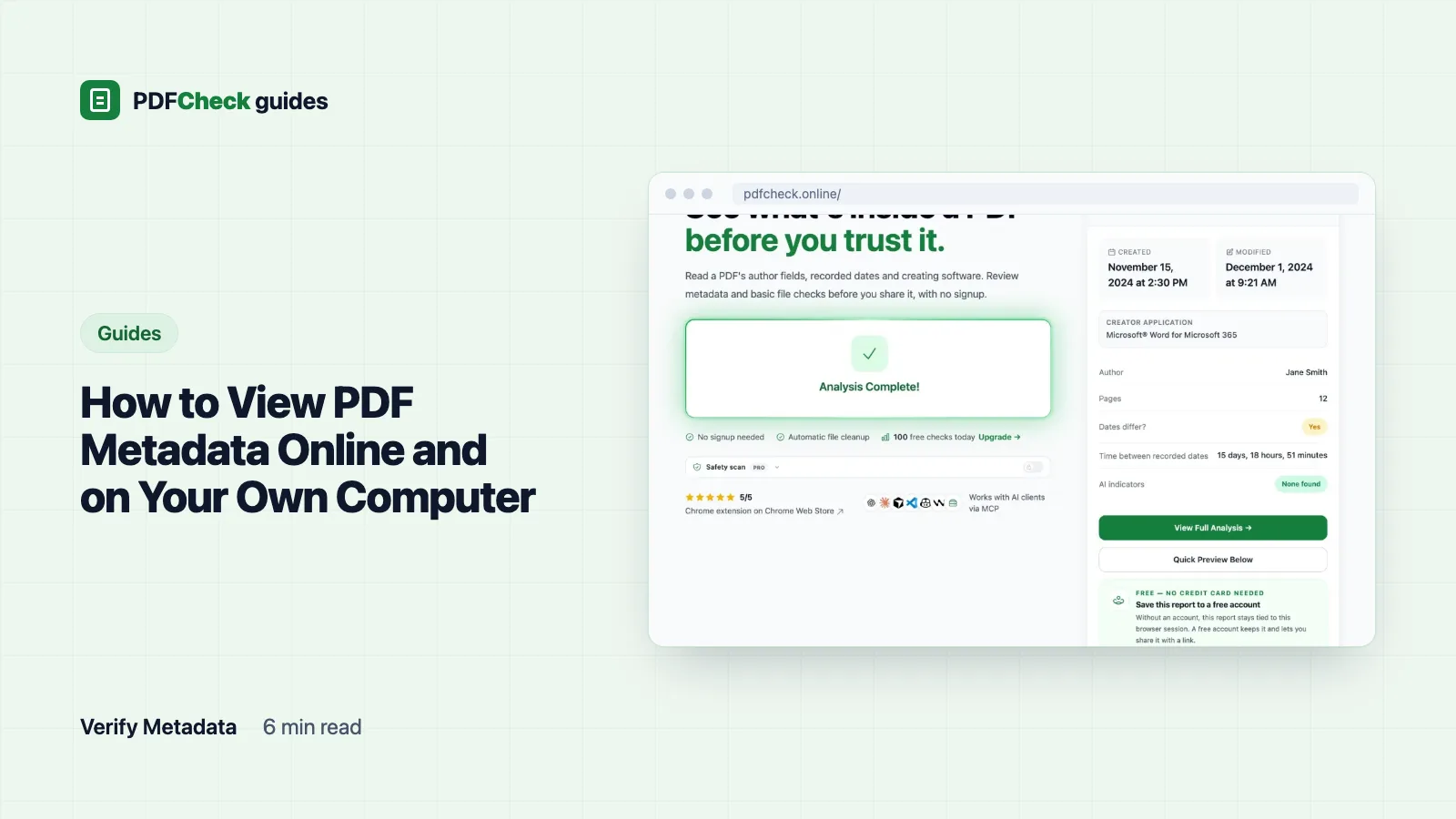
How to View PDF Metadata Online and on Your Own Computer
Where a PDF keeps its title, author, software and dates, how to read them online or with Acrobat Reader, Chrome, Preview and pdfinfo, and how to decode a raw PDF date string.
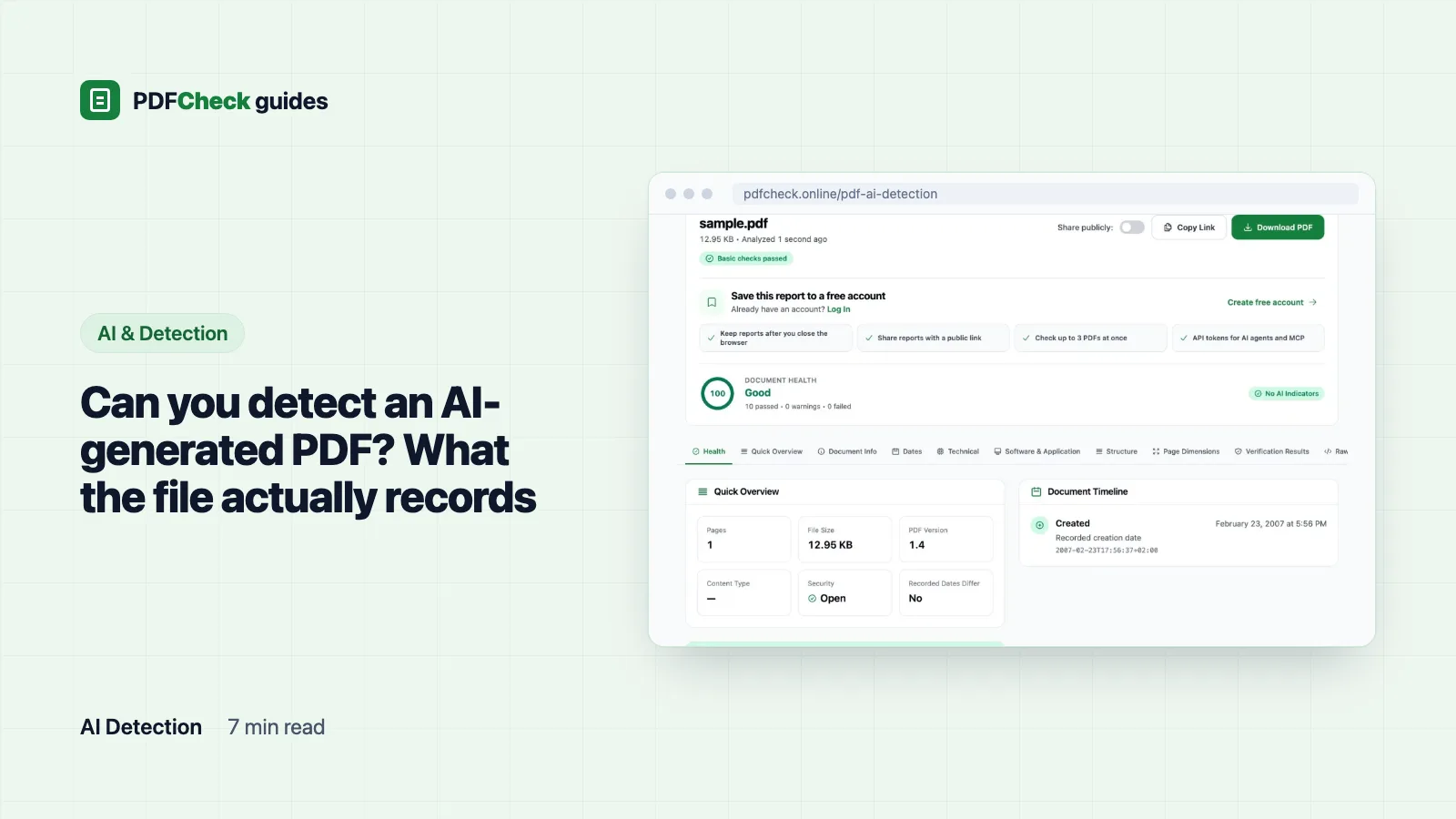
Can you detect an AI-generated PDF? What the file actually records
A PDF names the software that built it, not who wrote the words. See how the AI-generator score adds up from Creator and Producer, measured scores for ten common producers, and why a 0 or a 95 proves nothing about authorship.
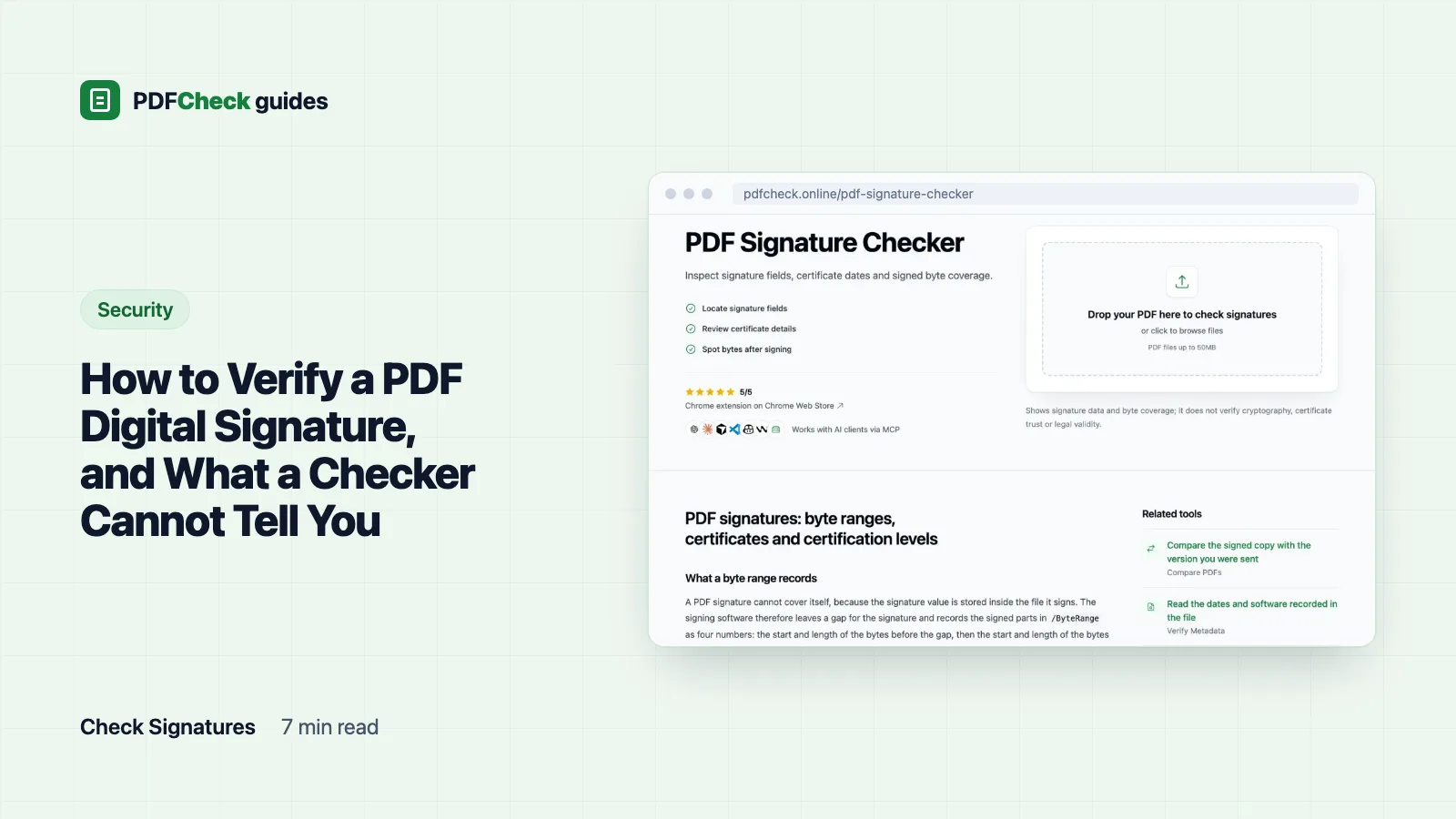
How to Verify a PDF Digital Signature, and What a Checker Cannot Tell You
Verify a signed PDF in three steps: confirm nothing changed since signing, confirm the certificate is trusted, confirm where the time came from. With a real byte-range example from our test file.
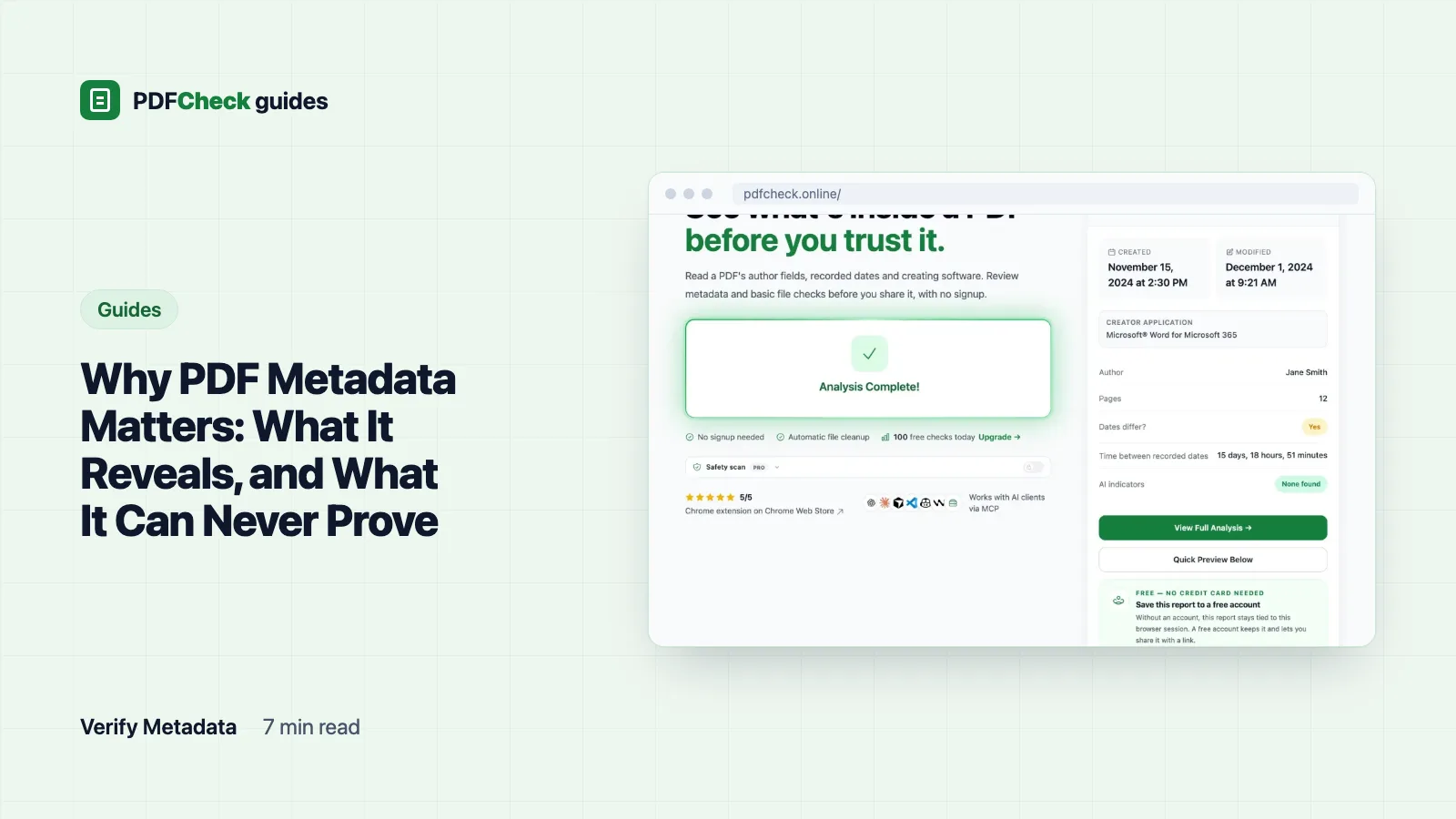
Why PDF Metadata Matters: What It Reveals, and What It Can Never Prove
Viewers, search tools and recipients read your PDF's properties without opening a page. Here is where they show up, a test file read back field by field, what leaks, and why none of it proves who wrote the document or when.
Prepare PDFs for sharing
Before a PDF leaves your hands: make it smaller without wrecking it, tidy or strip the document properties, and add a password that actually does what you think.
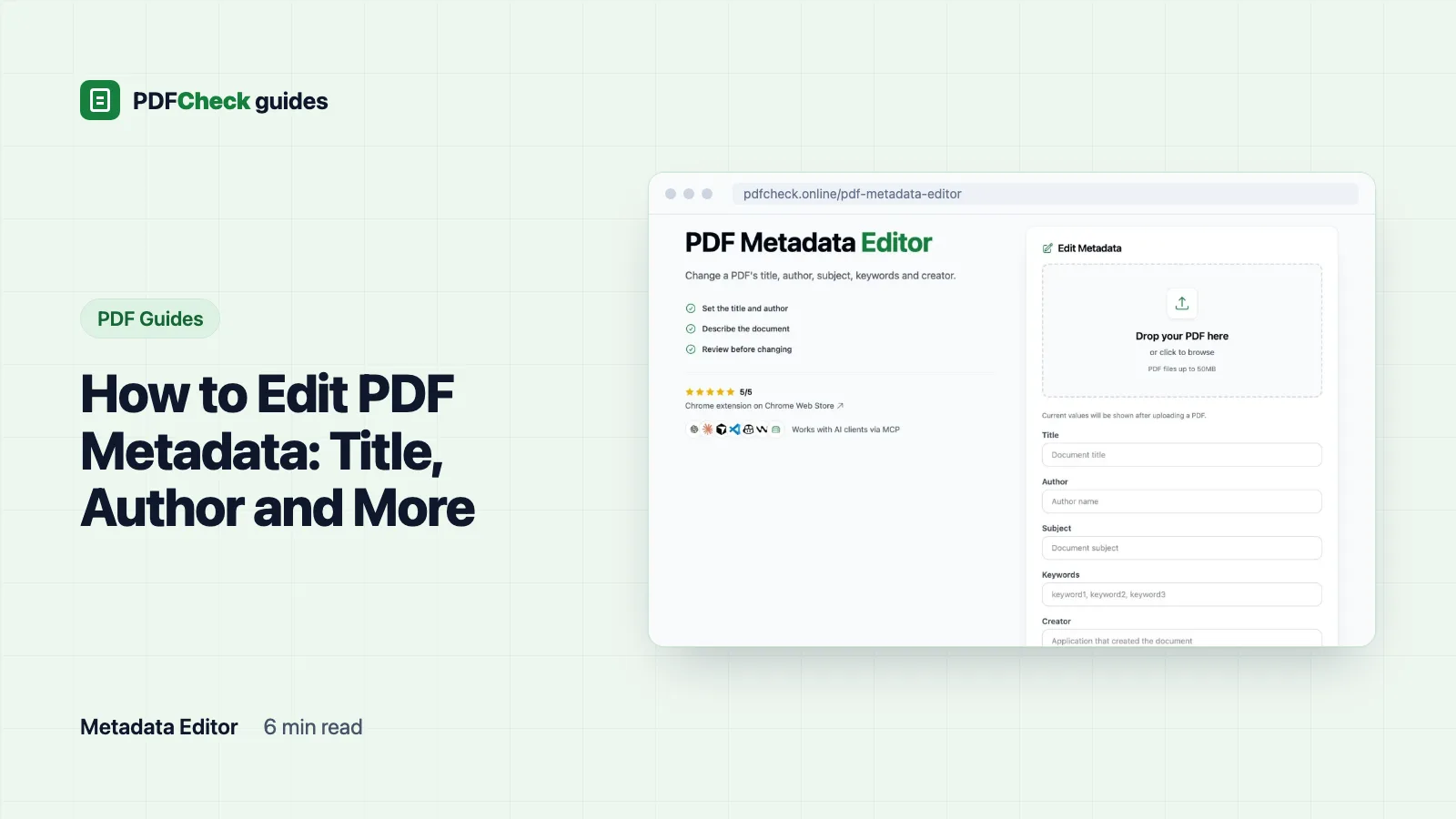
How to Edit PDF Metadata: Title, Author and More
Change a PDF's title, author, subject, keywords or creator on a copy. See a measured before-and-after of what the rebuild keeps, what it drops, and when to edit the source document instead.
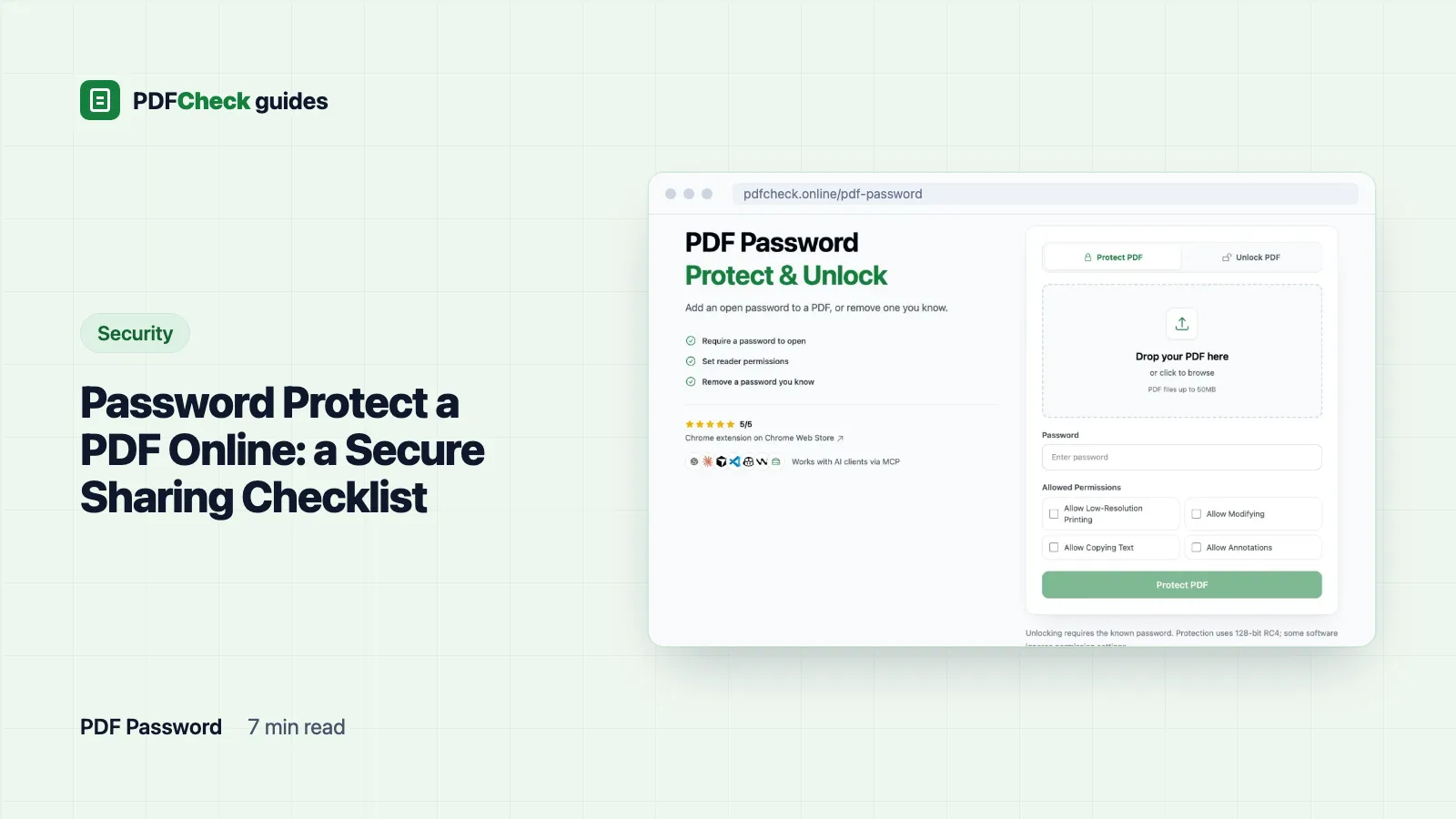
Password Protect a PDF Online: a Secure Sharing Checklist
Add an open password to a PDF, pick one that will hold, test the file and send the password by a different route. Plus exactly what 128-bit RC4 protection does and does not do.
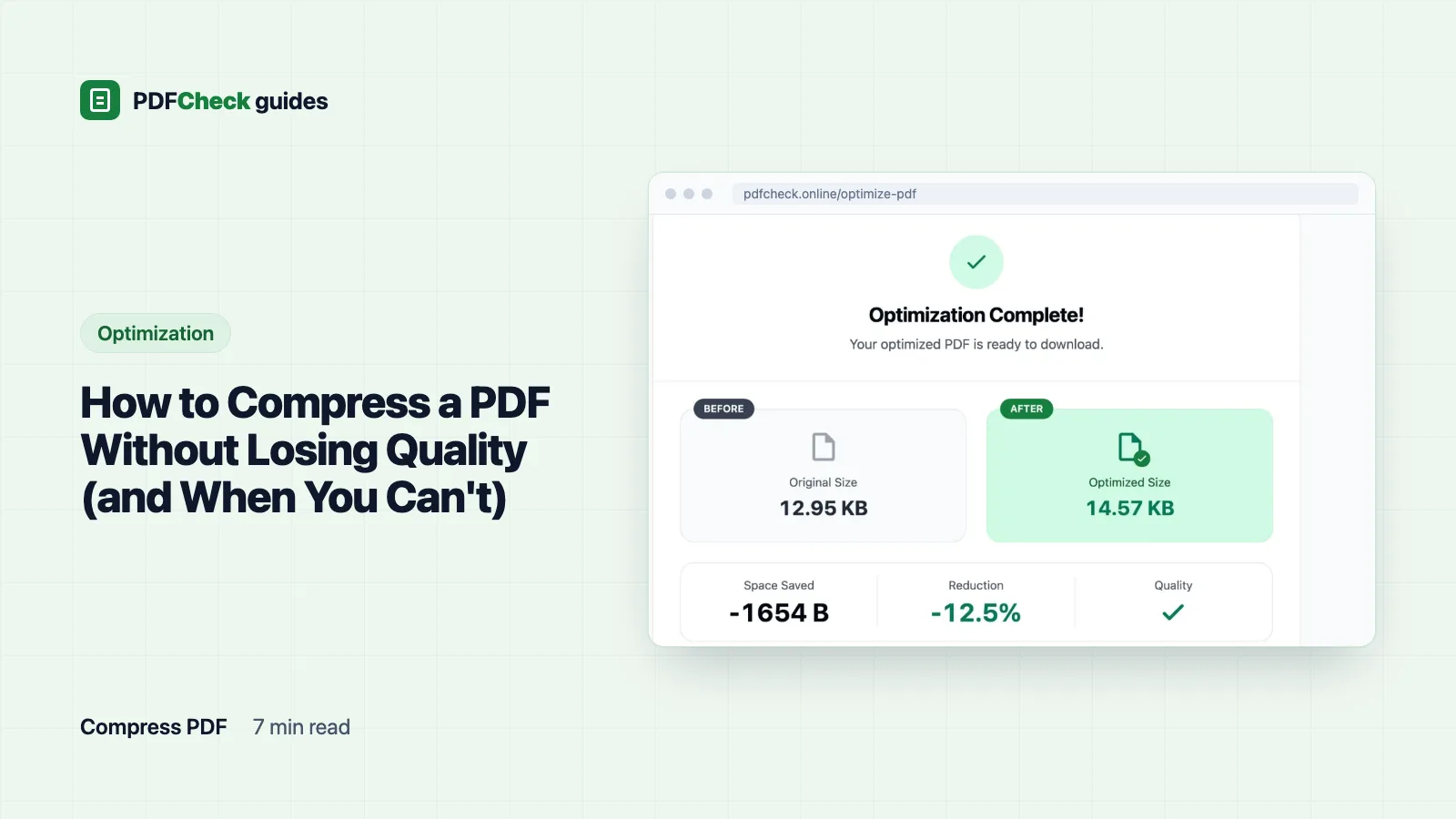
How to Compress a PDF Without Losing Quality (and When You Can't)
Measured results for four compression levels on photo, text and scanned PDFs, why a text-only file can come out larger, and what to check before you replace the original.
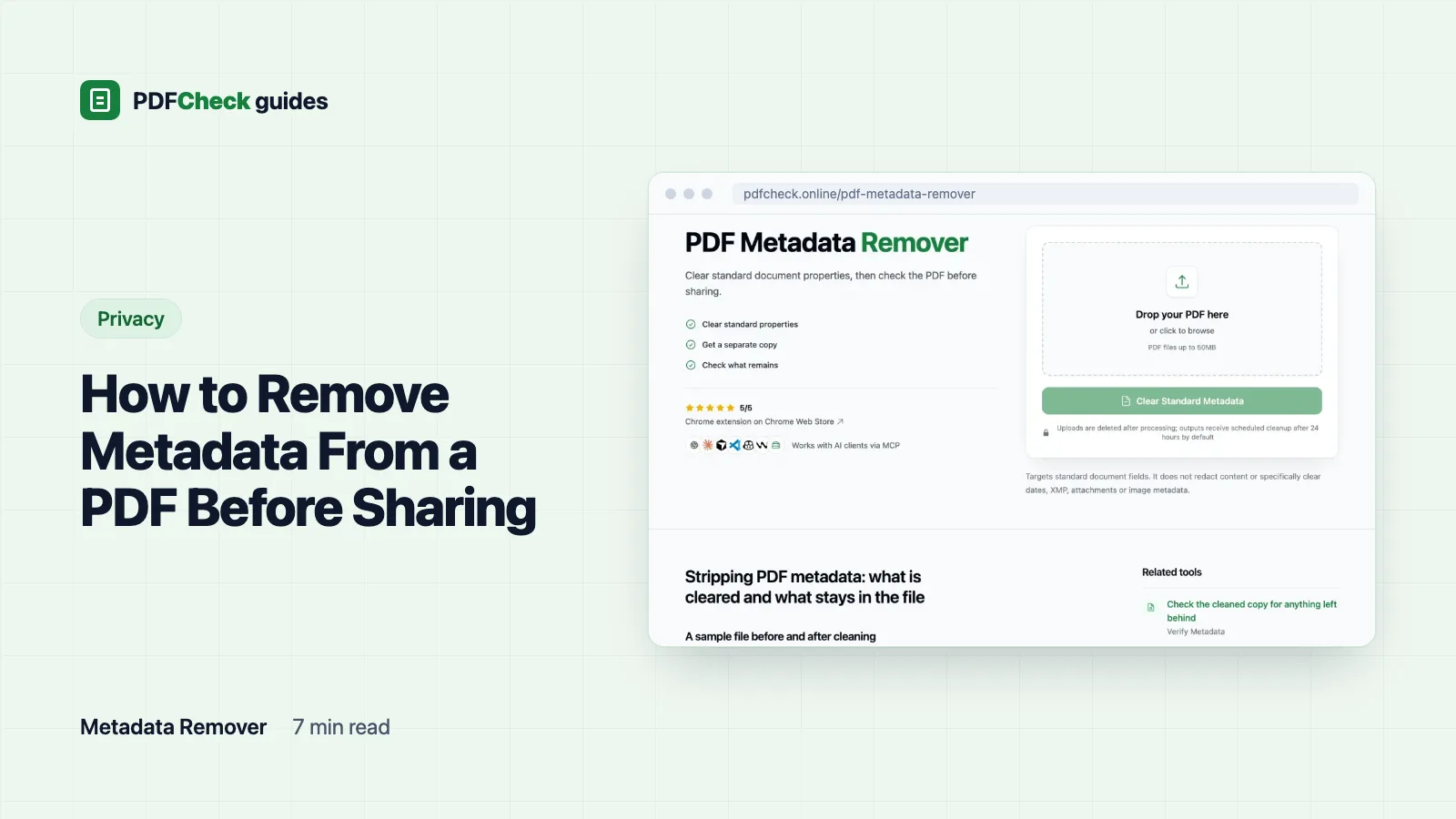
How to Remove Metadata From a PDF Before Sharing
Blank a PDF's Title, Author, Subject, Keywords, Creator and Producer before sharing, see exactly what a cleaned test file still contained, and learn why this is not redaction.
Extract and reuse content
Getting things out of a PDF: text, images, Markdown for an AI workflow, page images for a slide, or answers from a long document you do not want to read twice.
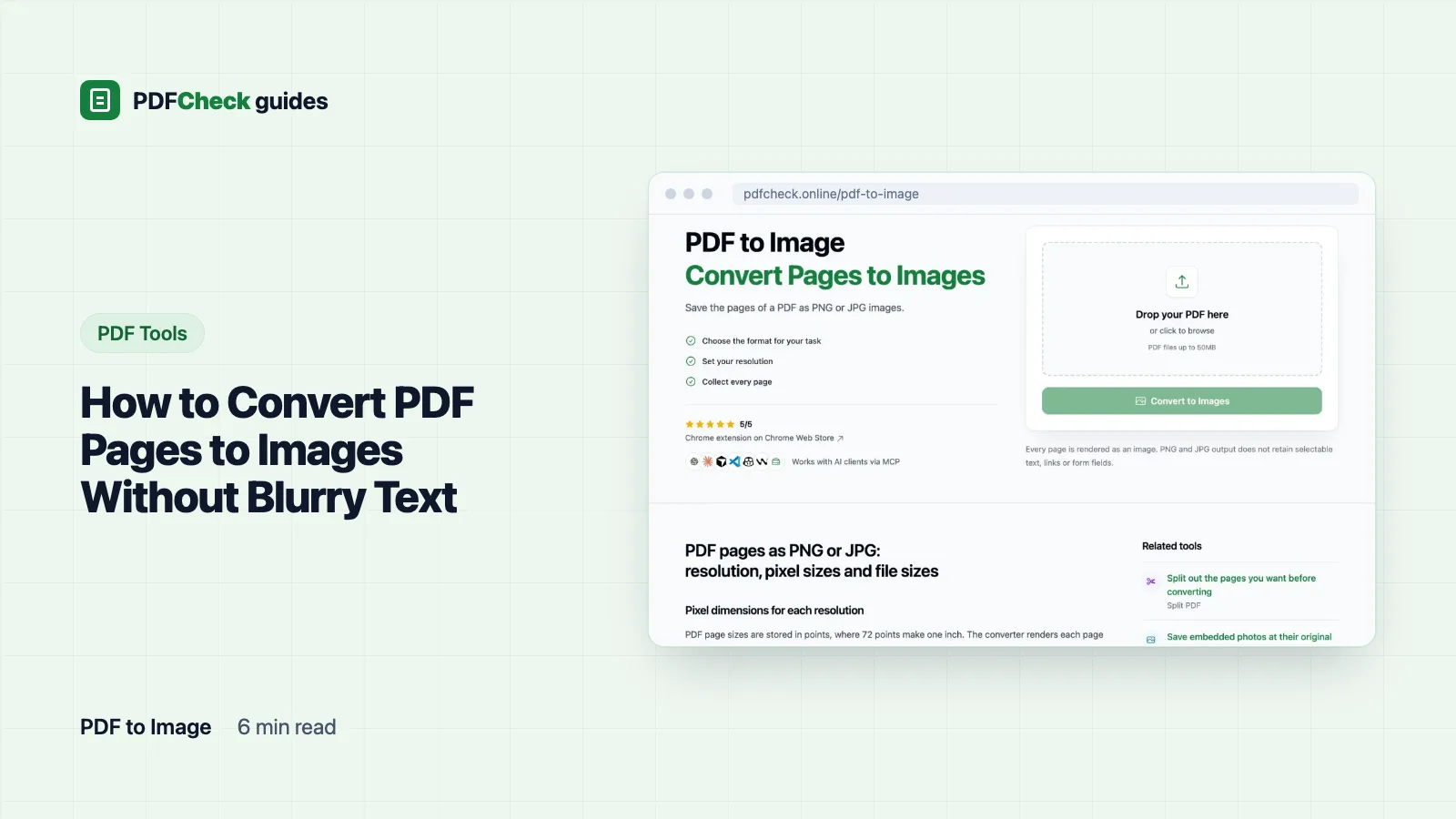
How to Convert PDF Pages to Images Without Blurry Text
PNG or JPG, 72 to 600 DPI: measured pixel sizes and file sizes from our test pages, the settings the converter applies, and what a page image can no longer do.
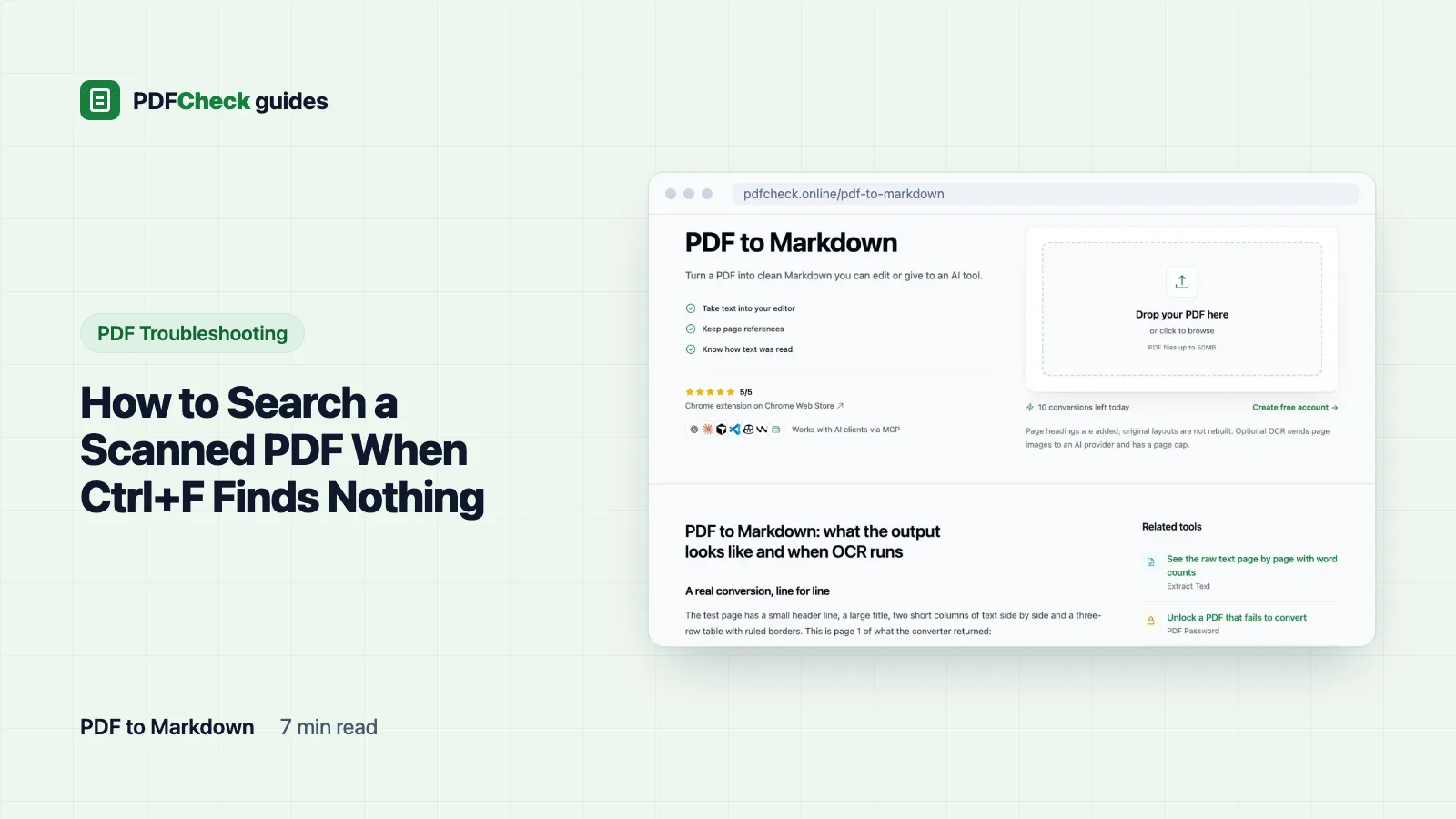
How to Search a Scanned PDF When Ctrl+F Finds Nothing
Why search fails on a scanned PDF, three quick tests that prove the pages are images, and how to get searchable text with OCR, including what our converter can and cannot read.
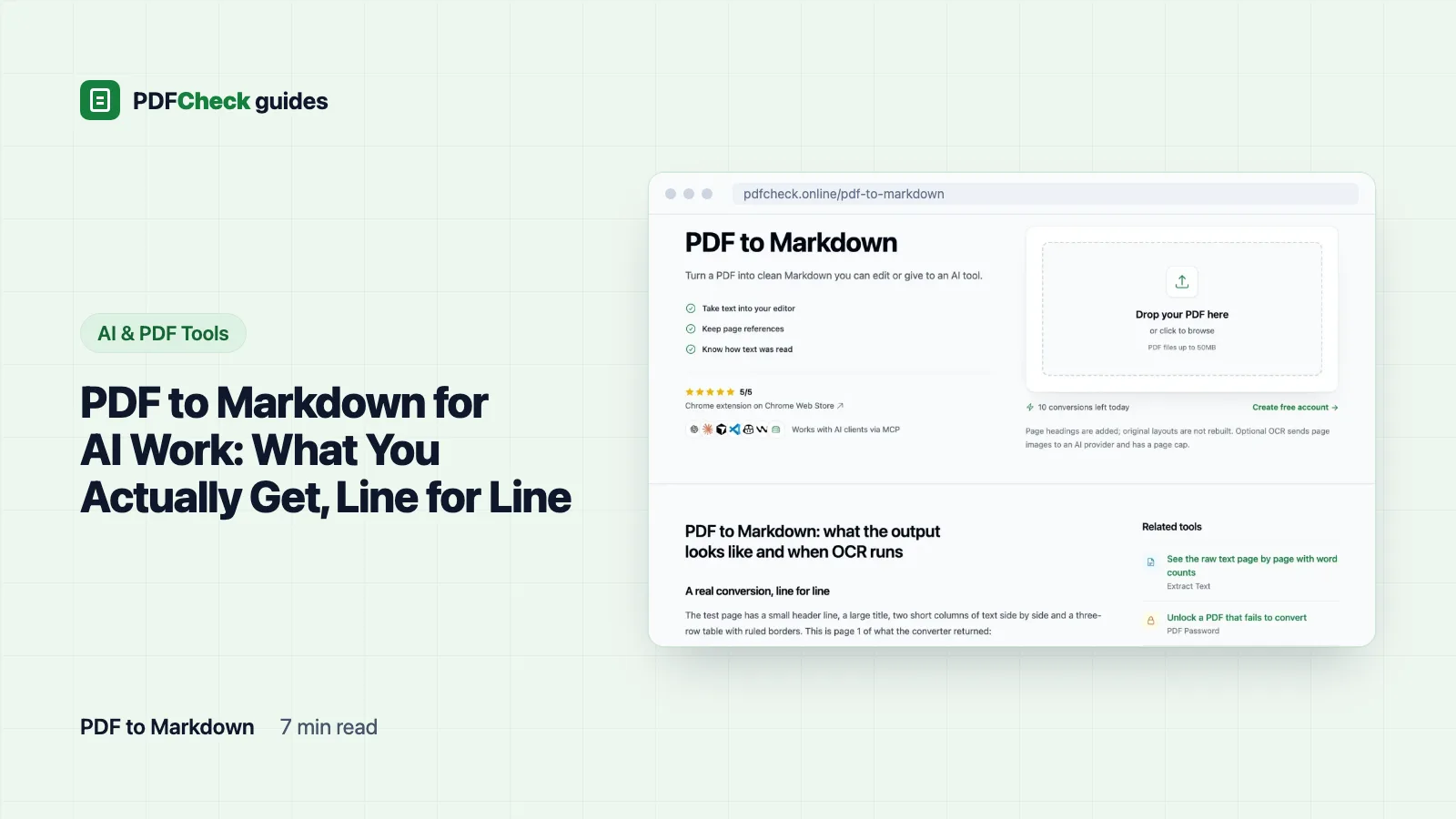
PDF to Markdown for AI Work: What You Actually Get, Line for Line
I converted a two-page inspection report to Markdown and pasted the result here. See what survives, what turns into plain lines, when OCR takes over, and how to check the text before it goes into a prompt.
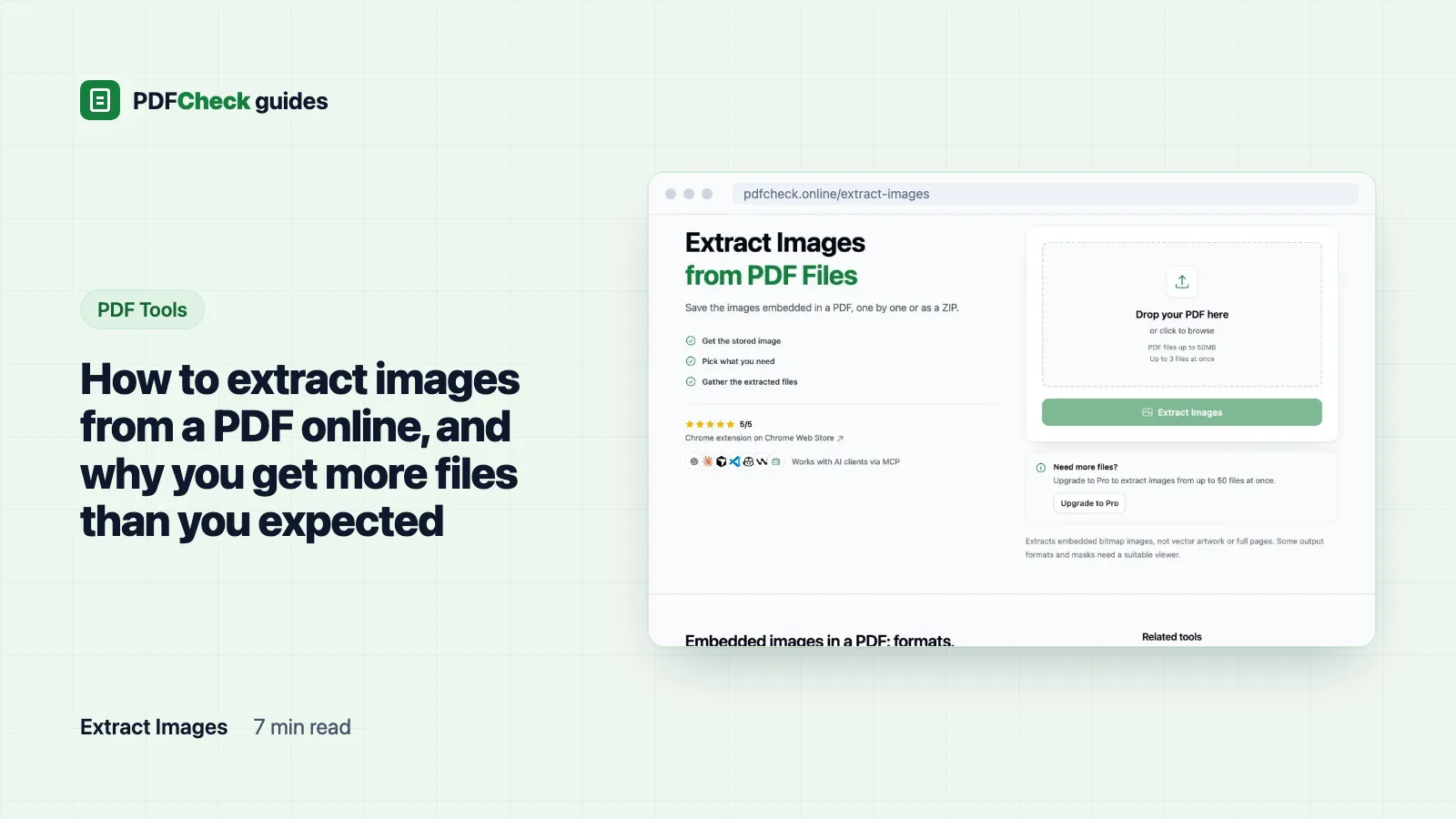
How to extract images from a PDF online, and why you get more files than you expected
Pull the photos, logos and scans out of a PDF at their stored size. What a measured 3-page test returned, which file types land in the ZIP, and the cases where converting the page is the better move.
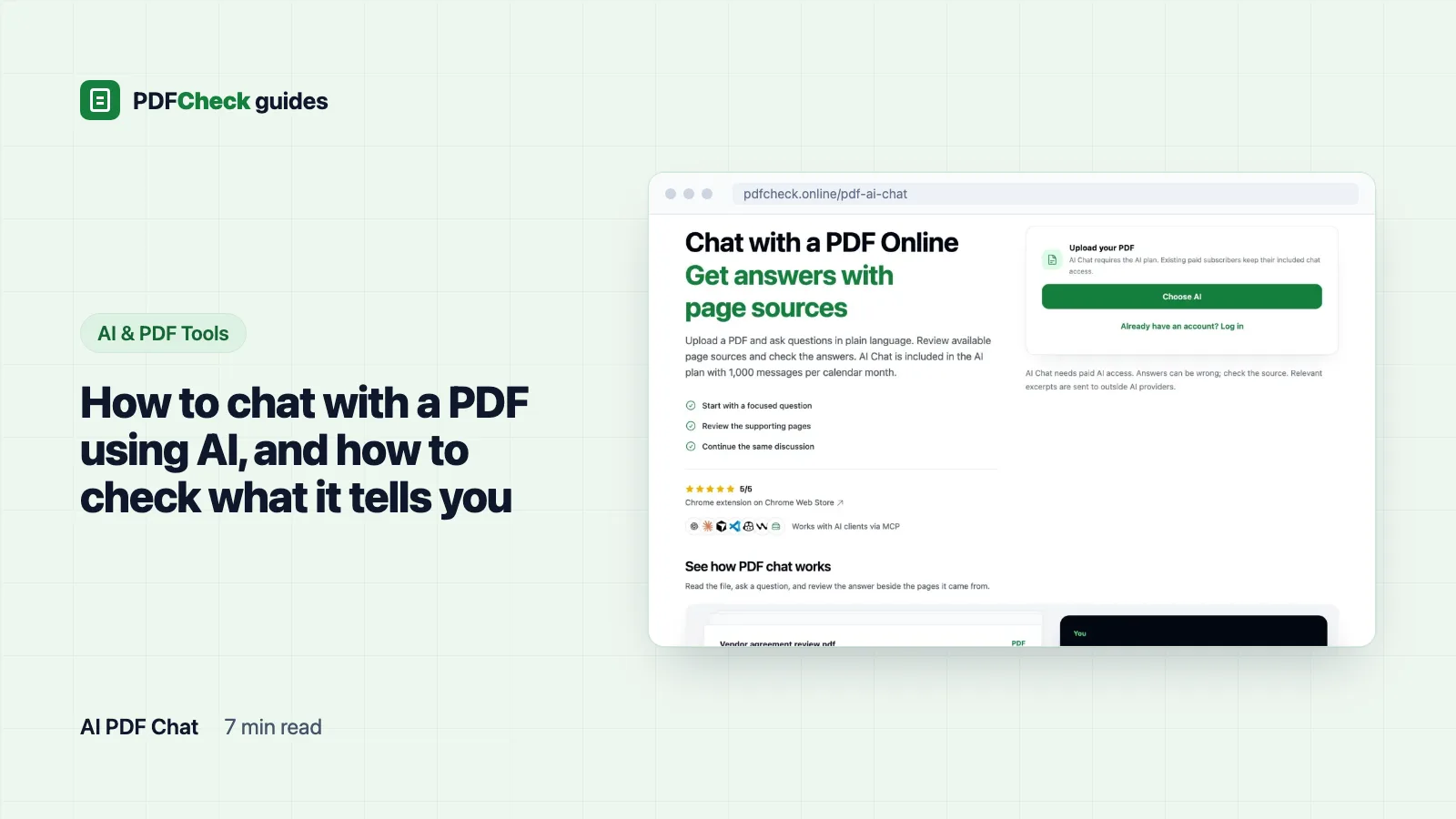
How to chat with a PDF using AI, and how to check what it tells you
What happens between your question and the answer in PDF AI Chat: how pages become excerpts, how eight of them are picked by word matching, what a page citation proves, and which answers need you to open the page.
Edit, combine and fill PDFs
Changing the file itself: merge and split pages, highlight passages, fill in a form someone sent you, or build fillable fields into your own.
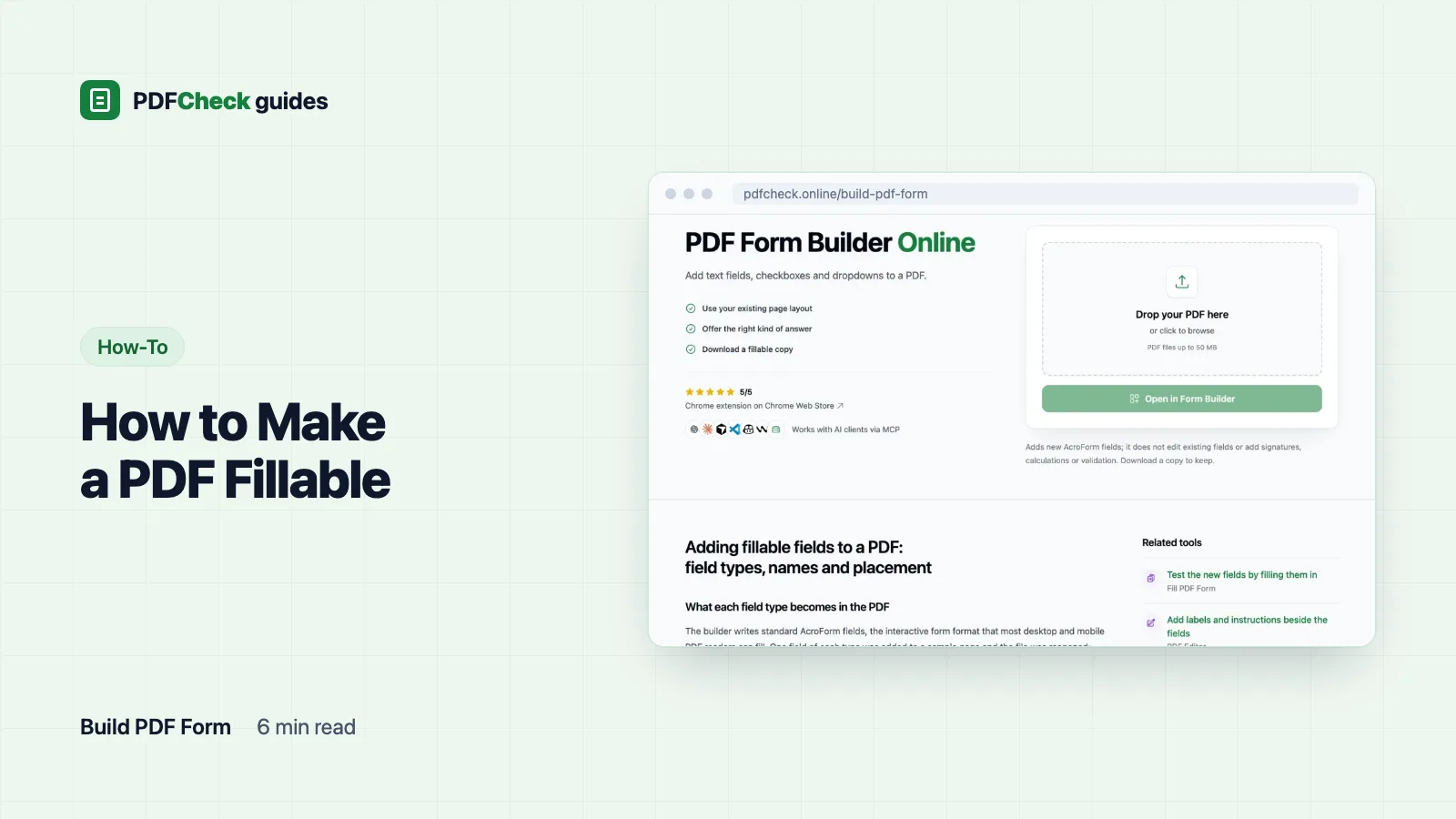
How to Make a PDF Fillable
Add text fields, checkboxes, dropdowns and radio groups to an existing PDF in your browser, name them so the data is usable, avoid the radio-group trap near the page bottom, and test the form before sending it.
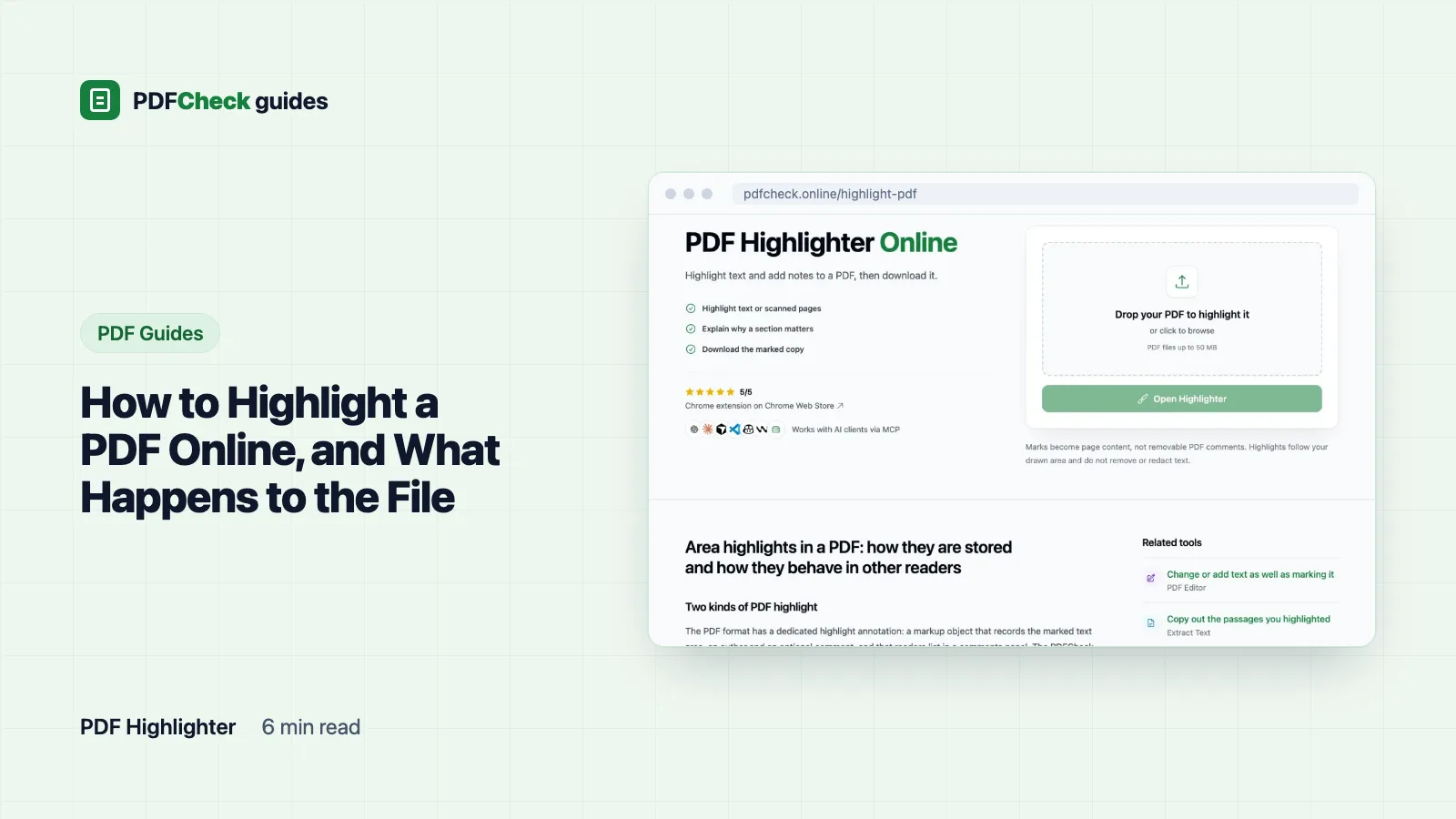
How to Highlight a PDF Online, and What Happens to the File
Highlight passages in a PDF from your browser, keep the original intact, and understand why drawn highlights behave differently from the comment highlights in Acrobat or Preview.
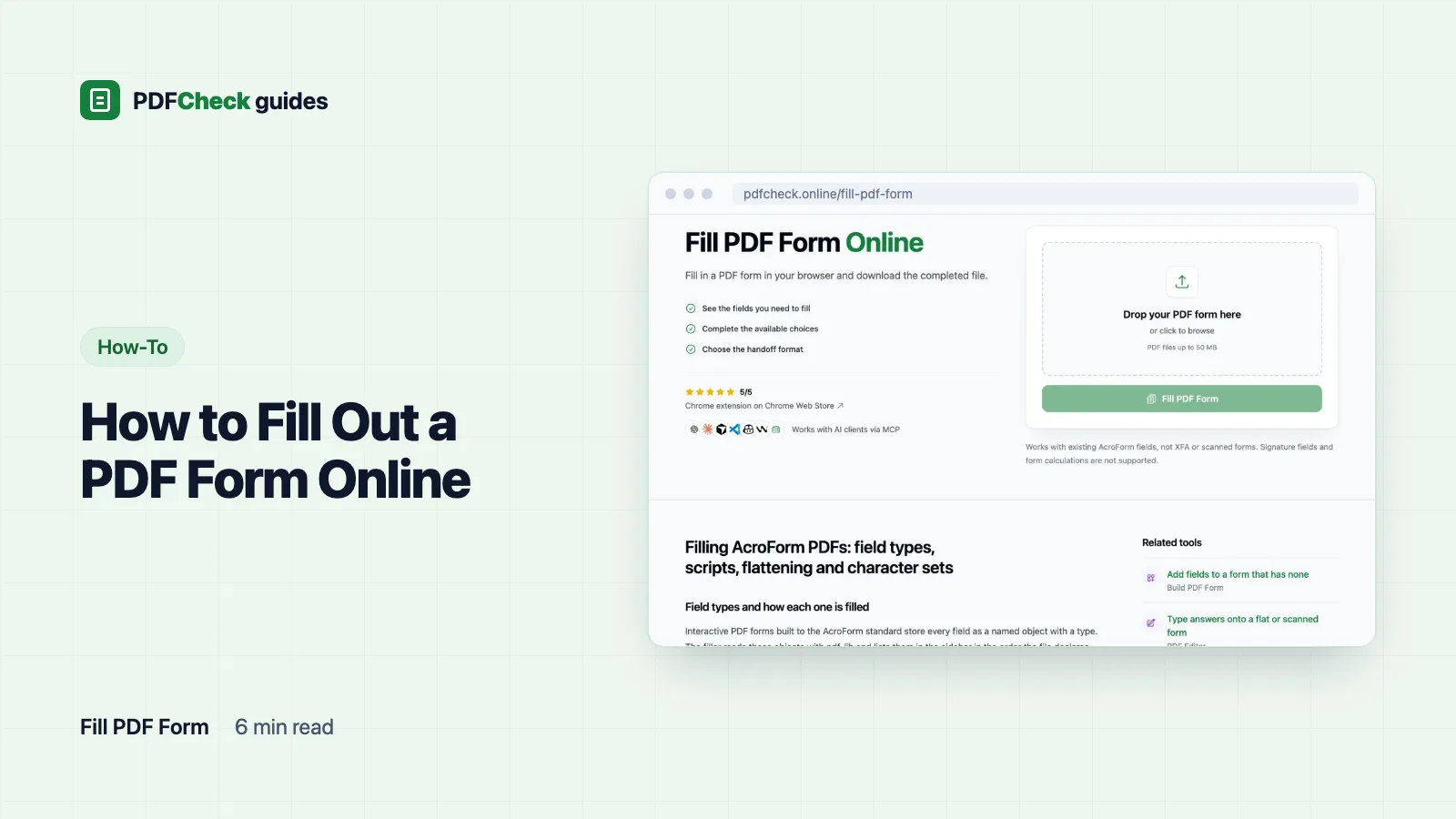
How to Fill Out a PDF Form Online
Find out whether your PDF has real fields, fill them in the browser, decide about flattening, and learn from a measured test fill why totals stay empty and some letters refuse to save.
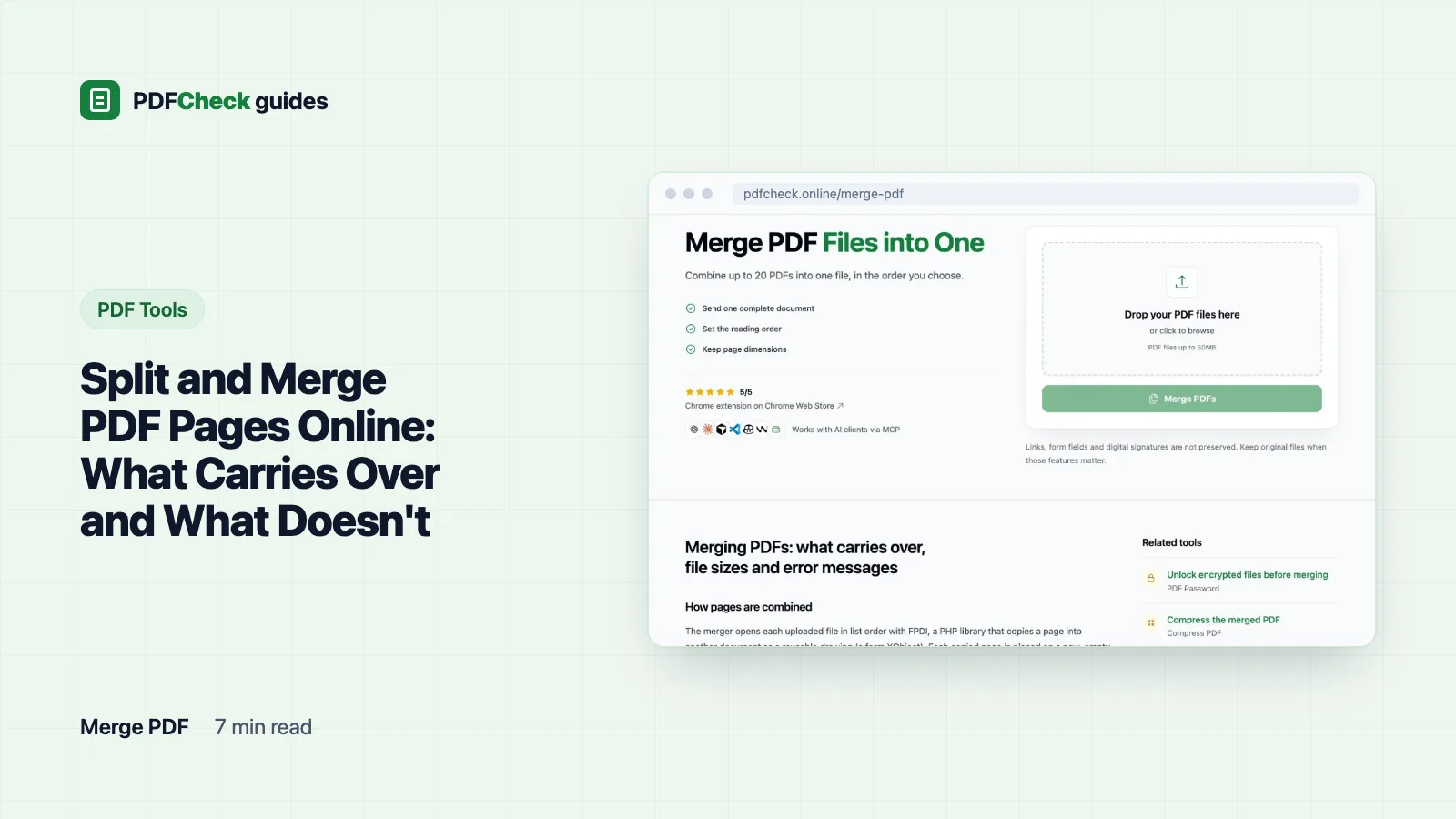
Split and Merge PDF Pages Online: What Carries Over and What Doesn't
Split a PDF into single pages, merge up to 20 files in any order, and rebuild a document page by page. With measured results for what gets lost, why split pages can be huge, and which errors to expect.
Have a PDF in front of you right now?
Drop it into the metadata checker and read the report alongside the guide. It is free, needs no account, and the raw values are shown so you can judge them yourself.