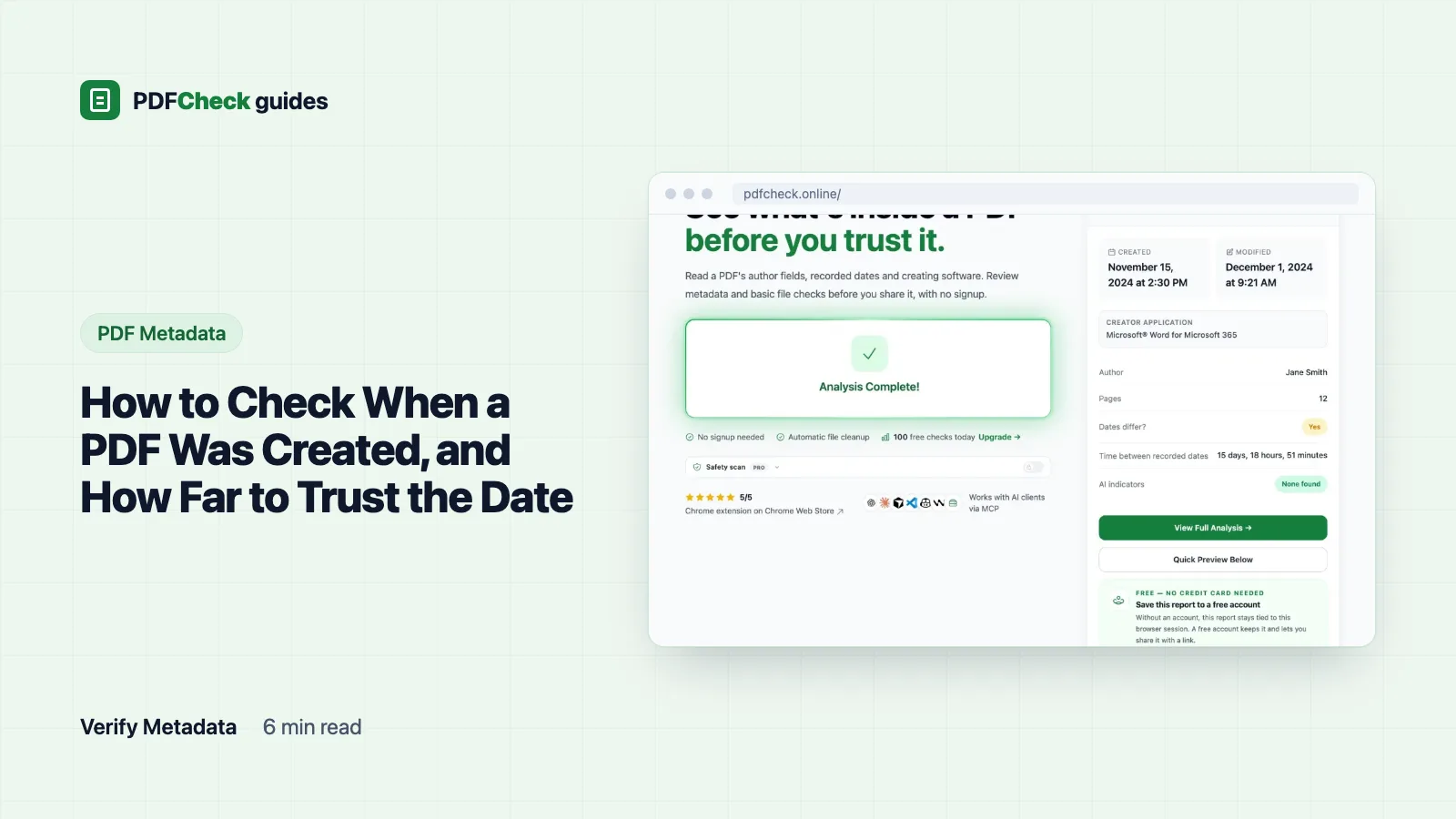
Open the PDF's document properties and read the Created date. That is the whole method. The catch is what the date means: it is the moment some program wrote this copy of the file, by that computer's clock, stored as plain text that any PDF editor can change. It is a clue about the file, not proof about the content.
Four places to read it
- PDFCheck. Upload the file to the metadata checker. The report shows Created and Modified, the Time between recorded dates, and under Raw Date Values from PDF the exact strings stored in the file.
- Chrome. In the PDF viewer, open the three-dot menu and choose Document properties.
- Acrobat Reader. Press Ctrl+D (Cmd+D on a Mac). The Description tab lists Created and Modified.
- Terminal.
pdfinfo contract.pdfprintsCreationDateandModDatelines. pdfinfo ships with the Poppler toolkit and nothing leaves your machine.
How to read the raw date string
Inside the file an older-style date looks like D:20260315143022+01'00'. Adobe's pdfmark reference spells out the pattern D:YYYYMMDDHHmmSSOHH'mm': year, month, day, hour, minute, second, then the offset from UTC.
| Part | Value | Meaning |
|---|---|---|
2026 | Year | 2026 |
0315 | Month and day | 15 March |
143022 | Local time | 14:30:22 |
+01'00' | Offset | One hour ahead of UTC, so 13:30:22 UTC |
Adobe's reference says the D: prefix is optional but strongly recommended, and that all fields after the year are optional. So D:2026031514 is a legal date that stops at the hour; our checker fills the missing minutes and seconds with zeros. If there is no offset at all, the relation to UTC is simply unknown, and you cannot tell which time zone the writer meant.
Newer files also carry an XMP packet, a block of XML with the same dates in ISO 8601 form, such as 2026-03-15T14:30:22+01:00. PDFCheck searches the first 2 MB of the file for that packet and prefers its xmp:CreateDate and xmp:ModifyDate; when they are missing it falls back to the Info dictionary's CreationDate and ModDate. The report tells you which source it used.
What a real report makes of two dates
I built a one-page test file with a creation date of D:20260315143022+01'00' and a modification date of D:20260317091544+01'00', then ran it through the checker with the server clock on UTC. pdfinfo normalised both to UTC:
CreationDate: Sun Mar 15 13:30:22 2026 UTC
ModDate: Tue Mar 17 08:15:44 2026 UTC
The report then showed Modified 1 day, 18 hours, 45 minutes as the gap between the recorded dates, flagged Recorded Dates Differ, and gave the file a Document health of 95 (9 checks passed, 1 warning). That warning is only "the two dates are not the same". It says nothing about what changed, or whether anything did; opening and re-saving without an edit produces the same pattern.
Which date answers your question?
| Date | What it records |
|---|---|
| Created (inside the PDF) | When software wrote this PDF, by that computer's clock |
| Modified (inside the PDF) | When software last saved it |
| File-system date | When the file landed on this disk; downloading, copying or unzipping sets a new one |
| Date printed on the page | Whatever the author typed, such as an invoice date |
| Signing time | When a digital signature was applied, as recorded by the signing software |
This is why an invoice you downloaded today shows today in Finder or File Explorer and March in its properties. Both are correct; they describe different events.
Ordinary reasons the date is wrong
- A wrong clock. The date is only as good as the computer that wrote it.
- A late export. A Word file written in 2023 and exported to PDF in 2026 gets a 2026 creation date.
- A scan. The date describes the scan, not the age of the paper.
- A template. Copying an old PDF can carry its old date forward.
- A conversion. When I passed my Word-labelled test file through Ghostscript, the title, author and Creator survived, but the Producer became
GPL Ghostscript 10.08.0and both dates were reset to the moment of conversion. Any compressor, print-to-PDF step or online converter can do the same. - A deliberate edit. A metadata editor, including our PDF metadata editor, can set any date you type.
How the reliability note is scored
The checker adds a few notes so you do not have to do the arithmetic. Created and modified less than 60 seconds apart count as unmodified, because many programs stamp both when saving. A gap under five minutes gets a note that the edit was probably minor or an auto-save. No modification date at all gets a note that the file may never have been edited; many generators simply never write one.
Date reliability starts at 100 and loses 30 points for a missing creation date, 20 for one that cannot be parsed and 40 when the modification date is earlier than the creation date. From 80 up is high, 50 to 79 medium, below that low. When I gave a test file a creation date of 10 June 2026 and a modification date of 1 June, the report flagged a possible clock or metadata problem and reliability dropped from high to medium. That is a consistency check on the stored values. A file can score high with dates that are simply false.
Stronger evidence than the metadata
- The arrival time of the email that carried the file, or a portal's upload receipt.
- Version history in the system where the source document lives.
- A digital signature with a trusted timestamp. Under RFC 3161, a time-stamp authority issues a signed token that the data existed at or before a given moment. Our signature checker shows whether a signature is present and what byte range it covers.
Even these prove when a file existed, not when its words were first written. If what you really want to know is whether the file changed after it was made, read how to check if a PDF has been edited.
Why is there no creation date at all?
The field is optional. Some generators leave it out and some privacy tools strip it. Without it, only outside records such as email headers can date the file.
Why is the creation date later than the modified date?
Usually a clock or time-zone mix-up, or software that rewrote one date but not the other. It can also be a hand edit. Ask the sender how the file was produced before you draw conclusions.