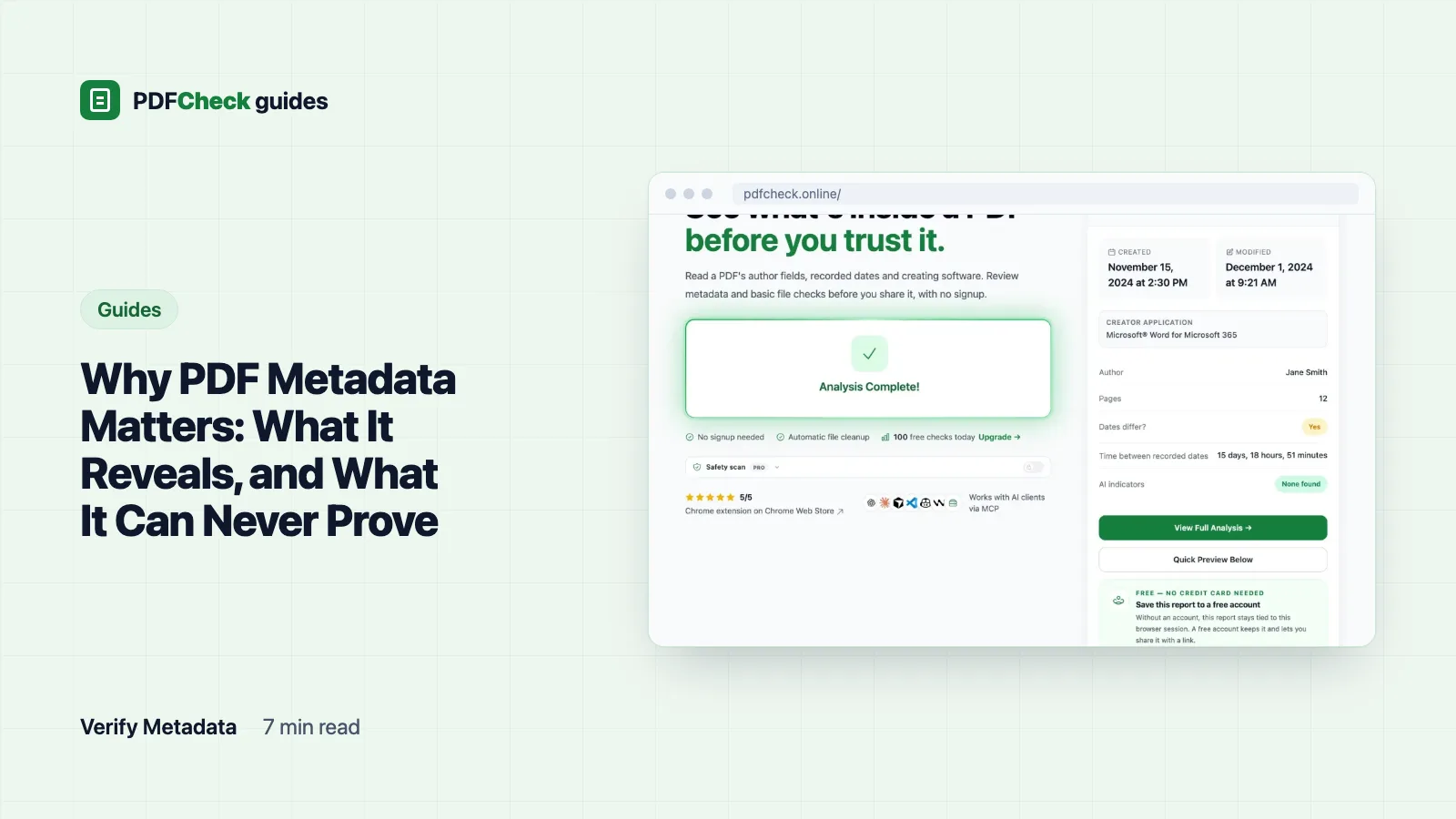
PDF metadata matters because people and software read it without opening a single page. Viewers show the title, search tools index it, and anyone can open the properties panel and see the author, the software and the dates. Good metadata helps your file. Stale metadata leaks details you never meant to send. And because every field is plain text that any editor can change, none of it proves who made a file or when.
Two places a PDF describes itself
A PDF can carry its properties twice. The older Info dictionary holds short keys: Title, Author, Subject, Keywords, Creator, Producer, CreationDate and ModDate. Adobe's own pdfmark reference lists all of them as optional strings, which is why a file can have any, all or none. The newer XMP packet is a block of XML inside the file with properties such as dc:title, xmp:CreateDate and pdf:Producer.
Applications are supposed to keep the two in step. Editors that touch only one leave the file disagreeing with itself, which is why the PDFCheck metadata checker reads both: the Info dictionary through pdfinfo, and the first 2 MB of the file for an XMP packet. For most fields it shows the XMP value first and falls back to Info, so a title can come from one and the dates from the other.
Where other people see it
- In the viewer's title bar. W3C technique PDF18 fills the Title entry and turns on DisplayDocTitle so the viewer shows the title instead of the file name. Helpful for screen reader users; embarrassing when the title is still "Draft v3 DO NOT SEND".
- In search. Desktop search and document management systems index Title, Subject and Keywords.
- In Document Properties. Every reader has a properties panel. The steps for each app are in how to view PDF metadata.
A test file, read back
I built a one-page file whose Info dictionary held a title, an author, Creator and Producer both set to Microsoft® Word for Microsoft 365, a creation date of D:20260315143022+01'00' and a modification date of D:20260317091544+01'00'. The names were typed in as test values, not exported from Word. The checker, with Poppler pdfinfo 26.10.0 and the server clock on UTC, reported:
Title: Quarterly report. Author: J. Doe. Creator and Producer: Microsoft® Word for Microsoft 365.
Created: March 15, 2026 at 1:30 PM. Modification Status: Modified 1 day, 18 hours, 45 minutes.
Software Identification: Microsoft Word (office). Document health: 95 (9 checks passed, 1 warning).
That date string is worth decoding once. D:20260315143022+01'00' is the D: prefix, then 2026, March, the 15th, 14:30:22 local time, one hour ahead of UTC. Same moment in UTC: 13:30:22, which is what the report showed. Everything after the year is optional, so D:2026031514 is a legal date that stops at the hour; the checker fills the missing minutes and seconds with zeros. XMP dates use ISO 8601 instead, like 2026-02-14T16:45:10+02:00.
Creator and Producer are different things. Creator names the application the document was written in; Producer names the component that wrote the PDF bytes, often a separate library or print driver. The checker matches both against its catalog of known applications, strips trademark signs, and matches whole words, so Microsoft® Word becomes Microsoft Word while an unknown ExampleWriter is still shown, labelled uncategorized.
What leaks
Most leaks are not secrets. They are small details that look careless or say more than you intended. The values here are invented, but the patterns are the ones I see most often:
| Field | Example value | What it tells the reader |
|---|---|---|
| Author | mkowalski | The account name of whoever set up the software, copied forward with every template |
| Title | Offer letter, Candidate B | That you reused an earlier file as the template |
| Subject or Keywords | Project Falcon, internal | An internal code name |
| Creator and Producer | A word processor and a PDF engine, with versions | Which software you run and how old it is |
| Dates | Created months before the "new" proposal | That the document is older than it looks |
| XMP Document ID and Instance ID | Long identifiers | Which files descend from the same original |
The date notes, and what triggers them
The checker reads the two dates together and adds a note when they tell a story. Created and modified less than 60 seconds apart count as unmodified, because many programs stamp both when saving. A gap under five minutes gets a note that edits were probably minor or an auto-save. No modification date at all gets a note that the file may not have been edited after creation; many generators never write one. A modification date earlier than the creation date is flagged as a possible clock or metadata problem. My test file with created 10 June and modified 1 June 2026 showed that note, and its date reliability dropped from high to medium. Reliability starts at 100 and loses 30 for a missing creation date, 20 for one that cannot be parsed and 40 for reversed dates.
What metadata cannot prove
I passed the Word-labelled test file through Ghostscript. Title, author and Creator survived, but the Producer became GPL Ghostscript 10.08.0 and both dates were reset to the moment of conversion. That is one ordinary tool doing its job, and it means:
- A creation date says when that copy was written, by that computer's clock, not when the content was first drafted.
- Author is not a person. It is usually an account name, and it travels with templates.
- A clean report is the absence of obvious inconsistencies, not proof of authenticity. A mismatch between fields is a reason to look closer, not a verdict.
- A generator name is not AI authorship. It describes the software that built the PDF, not whoever wrote the words.
- Correct fields are a small part of PDF/A or accessibility, not compliance by themselves.
Keep, fix or remove?
| Situation | What I would do |
|---|---|
| A public report or guide | Keep a clear title, set Author to the team or company, clear internal keywords |
| A client file with a username and an old template title | Fix the fields with the metadata editor, on a copy |
| An anonymous submission or blind review | Strip the properties, then check the pages, comments and file name too |
| A signed PDF | Leave it alone; any rewrite breaks the signature. Fix the source and sign again |
| Official or regulated records | Follow the records policy; do not strip fields the archive relies on |
Stripping is less complete than people expect. When I cleaned a synthetic file with the metadata remover, which rewrites the file with Ghostscript's pdfwrite and a /DOCINFO pdfmark, the six text properties came back present but empty, the XMP packet shrank from 4,820 to 1,638 bytes with a new document ID, the file dropped from 11,908 to 7,436 bytes, and it was written as PDF 1.4. But the Producer now read GPL Ghostscript 10.08.0, both dates showed the cleaning time, the sticky-note comment kept its reviewer name, the attached file was still attached, text hidden under a white box was still extractable, and the JPEG kept its EXIF author tag. The one form field was flattened into page text. The download is named with _cleaned added, so rename it if the file name itself is revealing. The full steps are in how to remove metadata from a PDF, and the corrective route in how to edit PDF metadata.
Does removing metadata make a PDF anonymous?
No. The text, images, comments, attachments and even the file name can still identify you. Run the text extractor to see everything a recipient could copy, including hidden text, and pull the images if their EXIF data matters. Metadata is one layer to check. It is rarely the whole job.