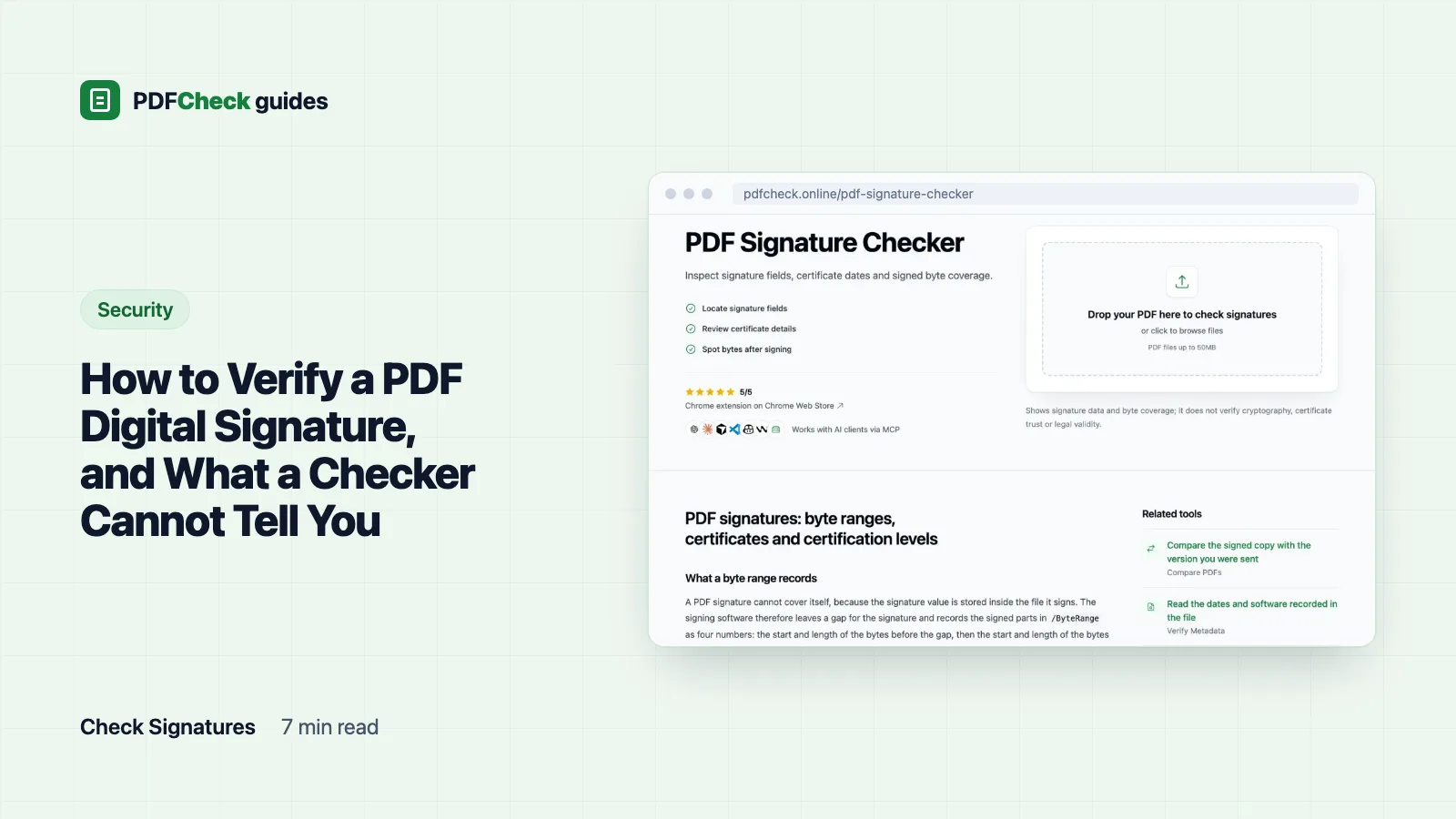
To verify a PDF digital signature, open the file exactly as you received it in a reader that validates signatures, and check three things: nothing changed since signing, the signer's certificate is trusted, and the signing time came from somewhere reliable. A picture of a handwritten signature on the page proves none of those. If your reader is already showing a warning, go straight to why a PDF signature shows as invalid or unknown.
First, is it a digital signature at all?
A digital signature is cryptographic data stored inside the PDF. It ties a certificate, issued to a person or an organisation, to the exact bytes that were signed. A scanned squiggle, a typed name in a script font or a stamp image is page content, nothing more, and there is nothing to validate.
The quickest test is the signatures panel in your reader. If it lists nothing, the file has no digital signature. Our checker says the same thing in plain words: This document does not contain any digital signatures. An empty signature field waiting to be signed does not count either. If you expected a signed file, ask the sender for the original, because printing to PDF or passing the file through a converter rebuilds it and throws the signature away.
The three checks, in a validating reader
- Use the file as received. Do not merge it, re-save it or run it through a compressor first. Any of those creates a new file.
- Open it in a reader that validates. Adobe Acrobat Reader does this for free and documents the screens in its validation help. Many browser viewers display signed PDFs perfectly well and validate nothing.
- Read the signature status. Expand each signature in the panel to see whether the document was modified after signing and whether the signer's identity could be verified.
- Open the signature properties. Look at who the certificate was issued to, who issued it, its validity dates and whether your reader chains it to a root it trusts.
- Check where the time came from. A timestamp from a timestamp authority is evidence. A time taken from the signer's own computer clock is a claim.
- Apply your own rules. A valid signature from the wrong person is still a problem. The signature tells you who signed, not whether they were entitled to.
On Linux or macOS, Poppler's pdfsig does the same job from the command line. According to its manual, it verifies the signatures, checks certificates against the trusted certificates in the NSS database or gpgsm, queries OCSP for revocation unless you tell it not to, and states whether the total document is signed. That last phrase matters, and the next section shows why.
What a good result does and does not prove
| Check | Good result | What it still does not prove |
|---|---|---|
| Integrity | The signed bytes are unchanged and nothing, or only permitted changes, followed | That the content is true |
| Signer identity | The certificate chains to a root your reader trusts and was not revoked | That the person was allowed to sign this document |
| Signing time | A timestamp token from a trusted authority | When the document was written |
| Certificate dates | Valid at the time of signing | That it is still valid today, which does not matter for an old signature |
Why a valid signature can still show changes after signing
A signature cannot cover itself, because its value is stored inside the file it signs. So the signing software leaves a gap and records what it did sign in /ByteRange: four numbers, the start and length of the bytes before the gap, then the start and length of the bytes after it. ETSI's PAdES specification requires that range to cover the entire file except the signature value itself.
PDF editors save changes by appending an incremental update rather than rewriting the file. The original signed bytes stay intact, so the signature stays mathematically valid, while the new bytes at the end can change what a viewer shows. Here is the exact case from our test set:
- Signed test file, 19,613 bytes,
ByteRange [0 1840 13584 6029]. The signed data ends at 13,584 + 6,029 = 19,613, which is the file size, so the checker reports Signed range reaches file end. - Same file after I appended an update that changed the title to "Edited after signing": 19,804 bytes. The signed data still ends at 19,613, so the checker reports Bytes follow signed range with 191 unsigned bytes and warns that the document may have been modified after signing.
pdfsigon that edited file: Signature is Valid, Not total document signed. Both tools agree. The signature is fine; the file is not what was signed.
Not every appended update is suspicious. When a second person signs, their signature is itself an incremental update, so the first signature in a countersigned document will always show bytes after its range. Compare against the last signature instead: in a document whose final act was signing, the last signature should reach the end of the file. Form filling and comments after signing also append updates, and a certifying signature can declare that those are allowed. The checker reports that declared level, No Changes Allowed, Form Filling & Signing or Annotations & Forms, but it does not test whether the later updates stayed within it. A full validator that compares revisions does.
What our signature checker shows, and what it skips
The PDF signature checker is for when you want the raw details in one list without installing anything. It scans the file bytes for signature dictionaries in the common formats (adbe.pkcs7.detached, adbe.pkcs7.sha1, ETSI.CAdES.detached and ETSI.RFC3161 document timestamps) and reports for each one:
- the name, reason, location, contact and recorded signing date, exactly as the signing software wrote them. The name here can differ from the name in the certificate, and the date comes from the signer's clock unless a timestamp token is present;
- the certificate's common name, organisation, country, issuer, algorithm and validity dates, decoded from the PKCS#7 container with OpenSSL;
- whether a timestamp token is embedded;
- whether the signed range reaches the end of the file, and if not, how many bytes follow;
- the certification level for certified documents, and the permission flags for encrypted ones.
It does not verify the signature. It does not recompute the document hash, check the signature value, build the certificate chain, consult the Adobe or EU trust lists, or query OCSP or CRLs. The clearest demonstration is our own test file: it was signed with a self-signed certificate whose issuer and subject were both "Test Signer", and the checker displayed it without a word of complaint. Acrobat would flag that certificate as untrusted immediately. Expiry is also judged against today's date, so an old signature made with a certificate that has since expired shows as expired even if it was perfectly valid when made. The method page walks through each step it performs.
Your upload is deleted straight after the analysis, including when it fails, and no report or share link is created.
Is a valid signature legally binding?
A fully valid signature proves that the holder of a certificate signed these bytes at a time you can trust. Whether that satisfies a legal requirement depends on the jurisdiction, the type of signature and what the parties agreed. In the EU, the eIDAS Regulation gives a qualified electronic signature the same legal effect as a handwritten one, while other electronic signatures are judged on their evidence. For contracts and regulated filings, follow the recipient's rules and, when it matters, ask a lawyer rather than a checker.